
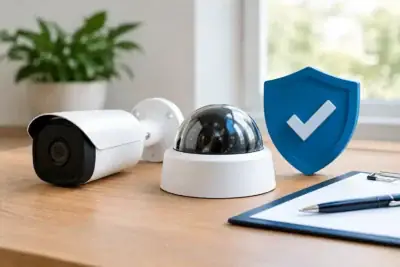
What Is Remote Video Monitoring for Businesses?
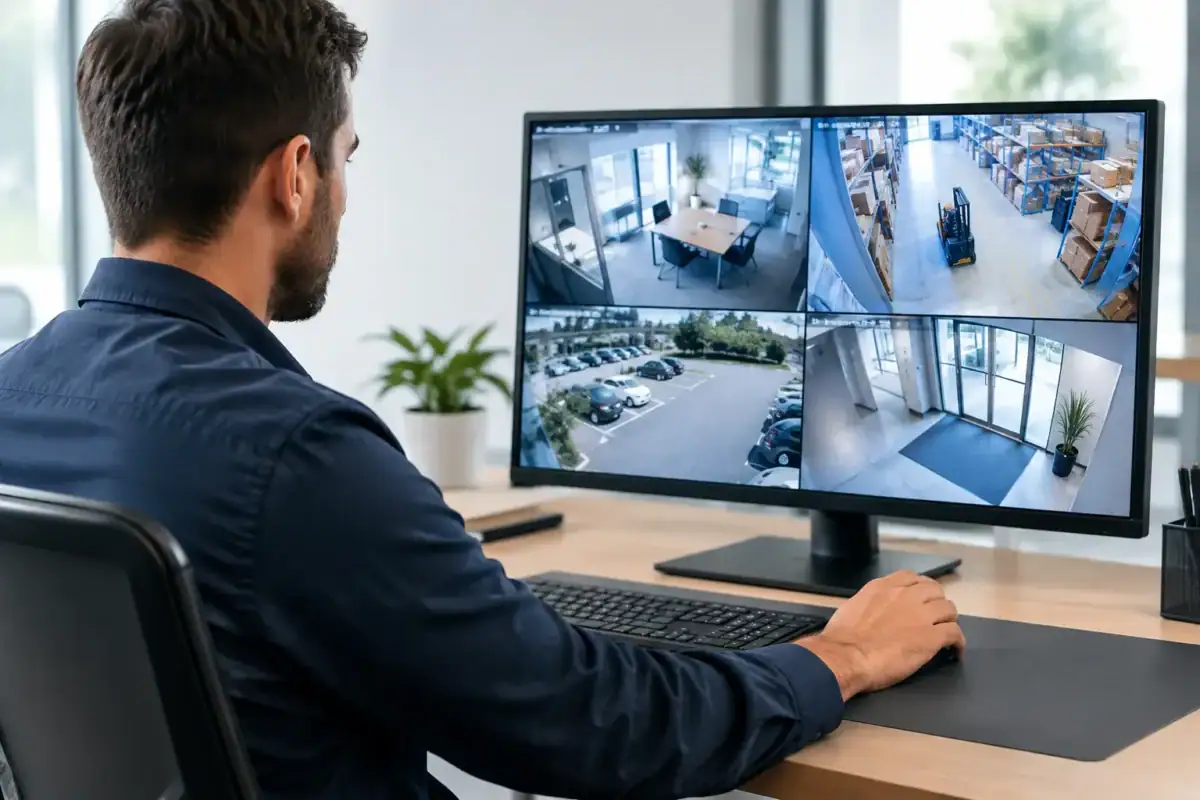
A camera system can record a break-in, but that does not help much at 2:00 a.m. when someone is cutting a fence, testing a back door, or walking a job site. What is remote video monitoring? It is a security service that connects your cameras to trained off-site personnel who can review live activity, verify a threat, and follow an agreed response plan while an incident is happening.
For property owners and business operators, the value is not simply having more video. It is having eyes on critical areas when staff are gone, conditions change, and a fast response can prevent a loss instead of merely documenting it afterward.
What is remote video monitoring?
Remote video monitoring combines business-grade surveillance cameras, internet connectivity, video management software, and a remote monitoring team. When the system detects activity – or when a monitor observes suspicious behavior – the operator can pull up the relevant camera views, assess what is occurring, and take action based on the site’s instructions.
That action may include using two-way audio to address a person on the property, notifying an on-call manager, dispatching a security guard, or contacting law enforcement when a verified emergency requires it. The exact workflow depends on the property, local procedures, and the monitoring provider’s service plan.
This is different from simply checking cameras from a phone. Remote access gives an owner or manager the ability to look at video themselves. Remote monitoring adds a dedicated response layer so someone can review events when the owner is sleeping, serving customers, traveling, or managing another location.
How remote monitoring works in the field
A properly designed system starts with cameras placed around the areas where risk is highest: entrances, gates, parking areas, loading zones, exterior doors, cash-handling points, perimeter fencing, and equipment storage. Video analytics can identify people, vehicles, line-crossing events, loitering, or activity in a restricted area during certain hours.
When an alert is generated, it is sent to the remote monitoring center. An operator reviews the live and recorded video to determine whether the event is routine activity, a false alert, or a situation that needs intervention. This verification step matters. It helps avoid treating every moving tree branch, stray animal, or authorized employee as an emergency.
If the operator confirms suspicious activity, they follow the response instructions established for the site. For example, they may issue an audio warning such as, “You are being monitored. Leave the property immediately.” They can also escalate to a listed contact or emergency services when appropriate. Meanwhile, the event can be documented with video clips and timestamps for management review, insurance claims, or police reports.
The technology is effective only when it is designed and installed correctly. A camera pointed too high may show that someone entered but not provide a usable face image. Poor lighting can limit identification. An unreliable network can interrupt video transmission. Remote monitoring should be planned as a complete operating system, not added as an afterthought to a few consumer cameras.
Where remote video monitoring delivers the most value
Remote monitoring is especially useful on properties that are open to the public during the day but vulnerable after hours. A retail business may need coverage for its front entrance, rear delivery door, and parking lot. A jewelry store may prioritize high-resolution views of entry points, display areas, and alarm events. A smoke shop may need visible deterrence around cash areas and exterior access points.
Construction sites are another strong fit. Tools, copper, fuel, and heavy equipment can be targeted overnight, while changing layouts make traditional fixed security difficult. Cameras with active deterrence, strategic perimeter coverage, and a monitoring response plan can help protect the site as the project evolves.
Parking lots, storage yards, apartment communities, and multi-site businesses also benefit when there are broad areas to supervise and limited staff on location. In these settings, a mix of fixed cameras, PTZ cameras, license plate recognition cameras, and perimeter analytics may provide better coverage than a one-size-fits-all camera package.
Remote monitoring can be valuable for homes as well, particularly for larger properties, second homes, gated driveways, and residences where the owner wants a professional response plan rather than another push notification. However, homeowners should be realistic about expectations. Monitoring does not replace good locks, lighting, gates, or an intrusion alarm. It works best as part of a layered security design.
Remote monitoring vs. recorded video and alarm systems
Recorded video is essential for reviewing an incident and providing evidence. It can help identify patterns, resolve disputes, and support investigations. But recorded video is reactive by nature. You discover what happened after the fact.
An intrusion alarm is designed to detect entry or a breach, often through door contacts, motion sensors, glass-break devices, or perimeter devices. It can signal a monitoring center quickly, but it may not show the operator what caused the alarm. A remote video monitoring system gives the responder visual context, which can improve decision-making and reduce unnecessary dispatches.
The strongest properties often use both. An alarm can provide dependable detection at doors and protected areas, while cameras confirm activity and cover outdoor zones, parking areas, and areas where traditional alarm sensors are impractical. Fire and life safety systems remain separate and should always be designed to meet applicable code and inspection requirements.
What equipment does a reliable setup require?
The right equipment depends on the property, but several foundations are consistent. Cameras need sufficient resolution, low-light performance, weather protection, and viewing angles for the job. A wide overview camera may be ideal for monitoring a parking lot, while a tighter lens is needed to capture a face at a gate or read a license plate at a controlled lane.
The recording platform must retain video for the required period and allow rapid retrieval of events. Network design is equally important. Cameras consume bandwidth, especially when multiple high-resolution streams are viewed remotely. A commercial-grade router, managed network hardware, backup power, and cellular failover can be appropriate for sites where outages would create a major security gap.
Analytics should be configured carefully. Person and vehicle detection can greatly reduce nuisance alerts compared with basic motion detection, but settings need to reflect the real environment. A busy sidewalk, moving trees, reflective surfaces, and vehicle headlights can all affect alert accuracy. Regular testing and adjustment are part of long-term system performance.
Questions to answer before you choose a provider
Before investing in remote monitoring, decide what you want the service to accomplish. Is the priority deterring trespassers, protecting inventory, supervising a gate, improving employee safety, or documenting activity across several locations? A clear objective helps determine camera placement, monitoring hours, and escalation rules.
You should also ask how alerts are verified, whether live audio intervention is available, what happens if the internet goes down, and how quickly a responsible contact is notified. Ask about video retention, access permissions, warranty coverage, maintenance, and ongoing technical support. A low monthly price is less meaningful if the cameras cannot capture usable evidence or the system is difficult to service after installation.
Privacy and policy matter as well. Businesses should post appropriate camera notices, limit access to authorized users, and avoid placing cameras in private areas such as restrooms or changing rooms. Audio recording rules vary by location and use case, so confirm local requirements before enabling it.
Build the response plan before an incident happens
The best remote monitoring systems have simple, written instructions. Define who may enter after hours, which events require an audio warning, who receives calls first, and when law enforcement should be contacted. Update the contact list whenever managers, tenants, contractors, or site procedures change.
Tech Security USA can help property owners select business-grade cameras, networking equipment, recording capacity, and installation support that match how the site actually operates. The goal is not to sell the most cameras. It is to create coverage that gives operators usable information and a dependable response path when something is wrong.
A well-planned remote monitoring program gives your property a better chance to interrupt trouble early. Start with the risks that keep you up at night, then design the cameras, connectivity, and response procedures around those specific moments.
Posted on GoogleTrustindex verifies that the original source of the review is Google. I visited the Tech Security USA orange to install security cameras for my home. I found it a very professional company, with high quality products that were made me impressed. I recommend it to anyone who are looking a professional security cameras company in onrange city of Orange County CA.Posted on GoogleTrustindex verifies that the original source of the review is Google. “Edit (this review is not “spam” which the owner claims it is and the story is absolutely real however it was about 2 years ago and if I wasn’t shy back then(9th grade) or I wish I had done/said something about my dad and I being taken advantage of as it was a scam (quoted at around $150 but after having to wait 3weeks instead of 3 days for the guy to charge us $300 for a cheap screen that no longer had a haptic button or working Touch ID along with many white pressure dots along the edges). Do not go here. If you look at most of their 5-star reviews, they are older than 7 years. I went here recently to fix my iPad Air (3rd gen). The problem was the screen's backlight wouldn't work, so it would just show a black image. The technician said he could get it done for around $150 and in 2-3 days he would call us (my dad and I). After a week of waiting, we decided to call but to no avail. We went to the place to check up on the work done, if any. We got there and the iPad was in the exact same spot as the day we left it there. The guy told us it would be ready in about 4 days, no later, and that he would call us. We never got the call, so we went back after about another 3 days of waiting for a call (2 weeks now). After waiting, we went back to the store for the iPad, and it appeared to us as if he had just gotten started by breaking the screen to replace it. After another week, we came back and he pulled it out from a drawer saying something along the lines of, "I was about to call you guys." The screen was working, but it was clearly a cheap screen that was ordered online, and the Touch ID didn’t work anymore. The button was replaced with a non-haptic one. There are many white dots along the edges of the screen that look as if someone pressed their thumb down too hard for too long. The guy said with all the "extra" work done to it, the new total would be $300. When my dad and I looked at each other, we knew that wasn’t right, but I watched my dad grab his wallet and pay. I wish I had said something because we were taken advantage of, and after a week, the iPad's screen isn’t functioning properly as it feels unresponsive.Posted on GoogleTrustindex verifies that the original source of the review is Google. Will somebody please tell the owner to stop responding? She’s only validating the bad reviews.Posted on GoogleTrustindex verifies that the original source of the review is Google. Little messy inside but brought an old Moto Z2 Play in to finalize my failed battery self install. Done when promised, phone looked as good as new and works fine. I'm happy.Posted on GoogleTrustindex verifies that the original source of the review is Google. Garbage screen quality do not come here the screen is more different then a regular apple screen they use low quality screens the whole screen shattered and has black lines throughout it after a tiny drop with a screen protector.Posted on GoogleTrustindex verifies that the original source of the review is Google. I needed a battery replacement for my Huawei p10, the engineer fixed it in a few days (he had to order the battery) and it was reasonable priced, very good, thank youPosted on GoogleTrustindex verifies that the original source of the review is Google. Great location and employees. Really came through when I needed help. Recommend this place to anyone.Posted on GoogleTrustindex verifies that the original source of the review is Google. My go to place for any laptop and iPhone repairs. Also very friendly and experienced guy James.
Resent Posts
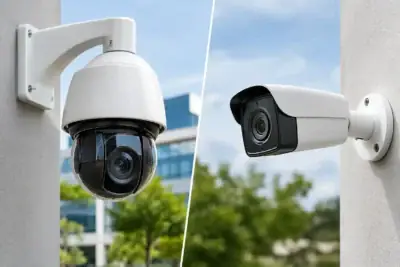
PTZ Versus Fixed Security Cameras: Which Fits?
20 November 2026

7 Best Cameras for Jewelry Stores in 2026
18 November 2026
Table of Contents