

Best Camera for Jobsite Monitoring
[yasr_overall_rating]
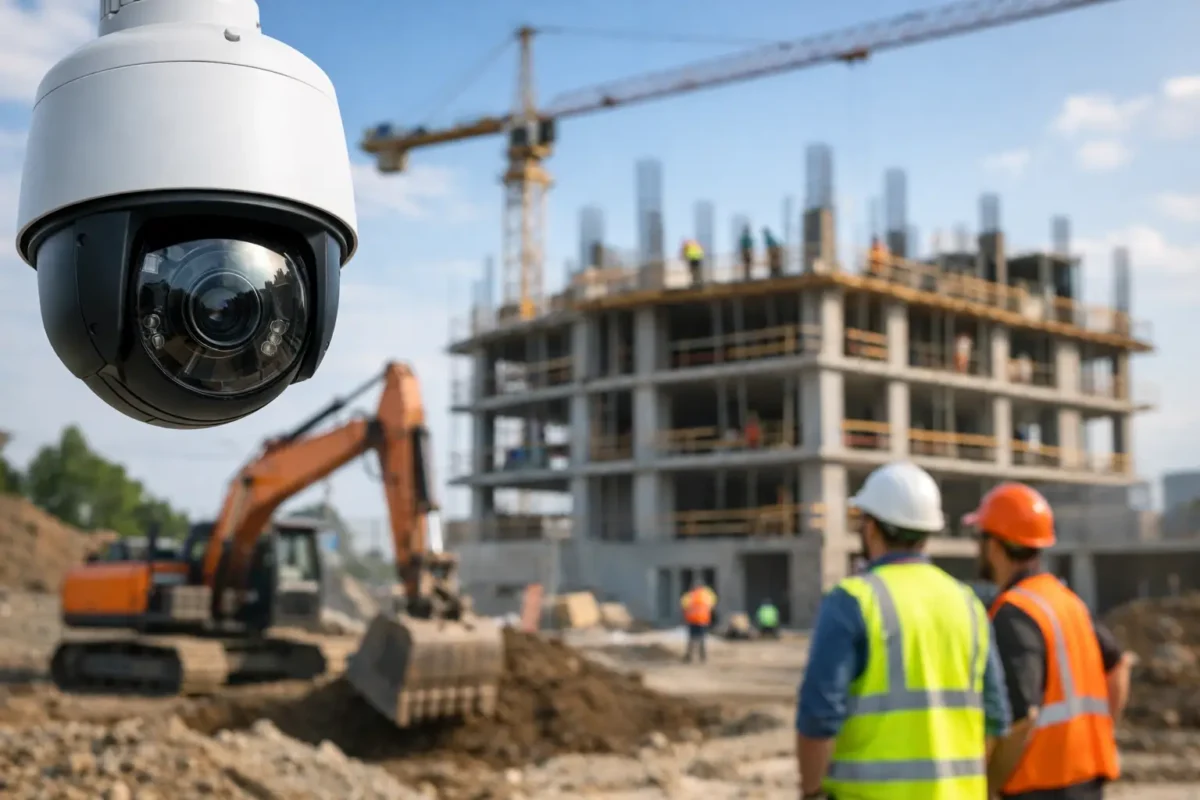
A stolen skid steer, a subcontractor dispute, or a delivery that never arrived can cost far more than the camera system that would have documented it. If you are looking for the best camera for jobsite monitoring, the right answer is rarely a single camera model. It is a system built around your site conditions, power availability, coverage goals, and how quickly you need usable video when something goes wrong.
Construction sites are hard on equipment. Conditions change weekly. Materials move. Lighting shifts from bright sun to total darkness. Internet access may be temporary or unreliable. That is why jobsite monitoring has to be approached as an operations decision, not just a product purchase. A low-cost camera that drops offline, misses plate details, or fails in rain is not saving money. It is creating blind spots.
What makes the best camera for jobsite monitoring?
The best setup starts with durability and ends with evidence quality. On an active jobsite, a camera needs to handle dust, vibration, weather, and changing light without constant adjustment. Business-grade housings, proper mounting, and a stable power and network plan matter just as much as image specs.
Video quality is the next priority, but not in the way many buyers assume. A 4K camera can be useful, especially for wide areas, but resolution alone does not solve the job. You also need the right lens, enough light at night, and a placement strategy that captures faces, vehicle movement, gates, storage areas, and entry points. A badly placed high-resolution camera can still miss the event that matters.
Remote visibility is another non-negotiable feature. Site supervisors, owners, and project managers want live access without driving to the location. They also need recorded footage that is easy to retrieve when there is a safety incident, equipment misuse, vandalism, or after-hours trespassing. If the system is hard to access, clips will not get reviewed until it is too late.
The camera types that work best on jobsites
For most projects, bullet cameras are the workhorse. They are visible, easy to aim, and well suited for perimeter coverage, gates, trailer entrances, and material storage zones. Their shape makes it clear the site is being watched, which can help deter opportunistic theft.
Dome cameras make sense in areas where tampering is more likely or where you want a more compact look inside temporary offices, storage containers, or site trailers. They are less obvious in their aim direction, which can be useful in tighter spaces.
PTZ cameras fit larger sites where one operator may need to actively check multiple zones. They are useful for broad coverage and live situational awareness, especially on sprawling projects, staging yards, and sites with frequent vehicle traffic. The trade-off is simple: a PTZ can look where it is pointed, but it cannot record every direction at once unless paired with fixed cameras.
Panoramic and multi-sensor cameras are strong options when you need to monitor a wide area from a single mounting point. They can reduce infrastructure needs on open sites, but they still need proper height and angle planning. They are not a shortcut for poor design.
If your jobsite needs to capture vehicle details at an access point, a dedicated license plate recognition camera is often the better choice than trying to force a standard overview camera to do identification work. Overview and identification are different tasks, and they usually require different camera settings.
Power and connectivity usually decide the system
Many jobsite camera problems are not camera problems at all. They are power and network problems. That is why the best buying decision starts with site infrastructure.
If the site has stable power and a usable internet connection, an IP camera system with network video recording is often the strongest long-term option. It delivers consistent image quality, better remote access, and easier scaling as the project grows.
If power is available but internet is limited, a local recording system with scheduled footage retrieval or controlled remote access may be the better fit. If both power and wired internet are limited, LTE or 5G-connected solutions become especially valuable. On temporary or fast-moving projects, cellular connectivity can make the difference between having active oversight and having no visibility at all.
Battery and solar options exist, but they depend heavily on the site, weather, clip frequency, and how often the camera is triggered. These solutions can work for targeted deployments, but they are not ideal for every project. If your site has heavy overnight activity, frequent motion, or critical evidence requirements, relying only on battery-powered gear can create limitations.
Image quality at night matters more than daytime specs
A lot of jobsite incidents happen after hours. That shifts the buying conversation away from brochure claims and toward real low-light performance. Infrared range, smart supplemental lighting, sensor quality, and shutter control all affect whether you get usable footage or a blurry record of movement.
This is where business-grade cameras separate themselves from commodity products. Good nighttime performance is not just about seeing that someone was there. It is about identifying what they did, where they entered, what vehicle they used, and whether the footage can support a claim, police report, or internal review.
Wide dynamic range also matters on active sites because lighting is rarely consistent. You may have bright sky, shaded material yards, reflective machinery, and trailer doors opening into dark interiors. A camera that handles contrast well is far more useful than one that looks good only in even light.
The best camera for jobsite monitoring depends on the job
A small renovation project has different needs than a multi-phase commercial build. For a compact urban site, you may need just a few fixed cameras covering the entrance, the material area, and the trailer. For a large site with multiple access points, equipment parking, and subcontractor traffic, you may need a layered system with fixed perimeter cameras, one or two PTZs, local recording, and cellular backup.
If theft prevention is the main concern, visible placement, signage, and strong coverage of high-value storage areas should lead the design. If liability and dispute resolution are the priority, the focus shifts toward documenting deliveries, worker activity near sensitive areas, and clear time-stamped recordings. If remote progress tracking also matters, camera angle and interval-based viewing may become part of the planning.
That is why there is no honest one-size-fits-all answer. The best camera is the one selected for the risks you actually have, then designed and installed correctly.
Installation quality has a direct impact on results
On paper, many cameras look similar. On a real site, installation quality separates a reliable system from a frustrating one. Mounting height, cable protection, weather sealing, network stability, recording setup, and user permissions all affect day-to-day performance.
A camera mounted too high may give a good overview but no usable identification. A camera mounted too low may be easy to block, damage, or steal. If the recorder is undersized, footage may not retain long enough to review an incident discovered days later. If remote access is set up poorly, managers may stop using the system altogether.
For contractors and property owners, this is where working with a provider that understands both hardware and deployment pays off. The goal is not just to sell a camera. It is to deliver a monitoring system that holds up under changing site conditions and gives you reliable access when you need evidence fast.
What buyers should prioritize before they choose
Start with four practical questions. First, what exactly needs to be captured: deterrence, overview, identification, or all three? Second, what power and internet are truly available today, not what may be available later? Third, how long does footage need to be stored? Fourth, who needs remote access and how often will they use it?
From there, camera selection becomes much easier. A well-planned fixed camera system often outperforms an overcomplicated design. At the same time, larger sites may justify PTZ coverage, specialized gate cameras, or cellular-connected equipment that keeps the site visible from day one.
For many West Coast contractors and property managers, the right answer is a business-grade mix of fixed cameras, dependable recording, and remote access built around the job schedule and site layout. That approach gives you coverage you can trust without paying for features that do not solve your actual problems.
Tech Security USA works with customers who need that kind of practical system design – hardware, installation coordination, and support that match the realities of active jobsites rather than a box on a shelf.
If you are choosing a camera system for a construction site, think beyond the camera body itself. The best result comes from matching the equipment to the site, the risk, and the way your team actually manages the job day to day.
Posted on GoogleTrustindex verifies that the original source of the review is Google. I visited the Tech Security USA orange to install security cameras for my home. I found it a very professional company, with high quality products that were made me impressed. I recommend it to anyone who are looking a professional security cameras company in onrange city of Orange County CA.Posted on GoogleTrustindex verifies that the original source of the review is Google. “Edit (this review is not “spam” which the owner claims it is and the story is absolutely real however it was about 2 years ago and if I wasn’t shy back then(9th grade) or I wish I had done/said something about my dad and I being taken advantage of as it was a scam (quoted at around $150 but after having to wait 3weeks instead of 3 days for the guy to charge us $300 for a cheap screen that no longer had a haptic button or working Touch ID along with many white pressure dots along the edges). Do not go here. If you look at most of their 5-star reviews, they are older than 7 years. I went here recently to fix my iPad Air (3rd gen). The problem was the screen's backlight wouldn't work, so it would just show a black image. The technician said he could get it done for around $150 and in 2-3 days he would call us (my dad and I). After a week of waiting, we decided to call but to no avail. We went to the place to check up on the work done, if any. We got there and the iPad was in the exact same spot as the day we left it there. The guy told us it would be ready in about 4 days, no later, and that he would call us. We never got the call, so we went back after about another 3 days of waiting for a call (2 weeks now). After waiting, we went back to the store for the iPad, and it appeared to us as if he had just gotten started by breaking the screen to replace it. After another week, we came back and he pulled it out from a drawer saying something along the lines of, "I was about to call you guys." The screen was working, but it was clearly a cheap screen that was ordered online, and the Touch ID didn’t work anymore. The button was replaced with a non-haptic one. There are many white dots along the edges of the screen that look as if someone pressed their thumb down too hard for too long. The guy said with all the "extra" work done to it, the new total would be $300. When my dad and I looked at each other, we knew that wasn’t right, but I watched my dad grab his wallet and pay. I wish I had said something because we were taken advantage of, and after a week, the iPad's screen isn’t functioning properly as it feels unresponsive.Posted on GoogleTrustindex verifies that the original source of the review is Google. Will somebody please tell the owner to stop responding? She’s only validating the bad reviews.Posted on GoogleTrustindex verifies that the original source of the review is Google. Little messy inside but brought an old Moto Z2 Play in to finalize my failed battery self install. Done when promised, phone looked as good as new and works fine. I'm happy.Posted on GoogleTrustindex verifies that the original source of the review is Google. Garbage screen quality do not come here the screen is more different then a regular apple screen they use low quality screens the whole screen shattered and has black lines throughout it after a tiny drop with a screen protector.Posted on GoogleTrustindex verifies that the original source of the review is Google. I needed a battery replacement for my Huawei p10, the engineer fixed it in a few days (he had to order the battery) and it was reasonable priced, very good, thank youPosted on GoogleTrustindex verifies that the original source of the review is Google. Great location and employees. Really came through when I needed help. Recommend this place to anyone.Posted on GoogleTrustindex verifies that the original source of the review is Google. My go to place for any laptop and iPhone repairs. Also very friendly and experienced guy James.
Resent Posts

How to Design Jobsite Surveillance That Works
21 October 2026

Surveillance System Maintenance Guide for Uptime
19 October 2026
Table of Contents