

Video Retention Policy Guide for Security Cameras
[yasr_overall_rating]
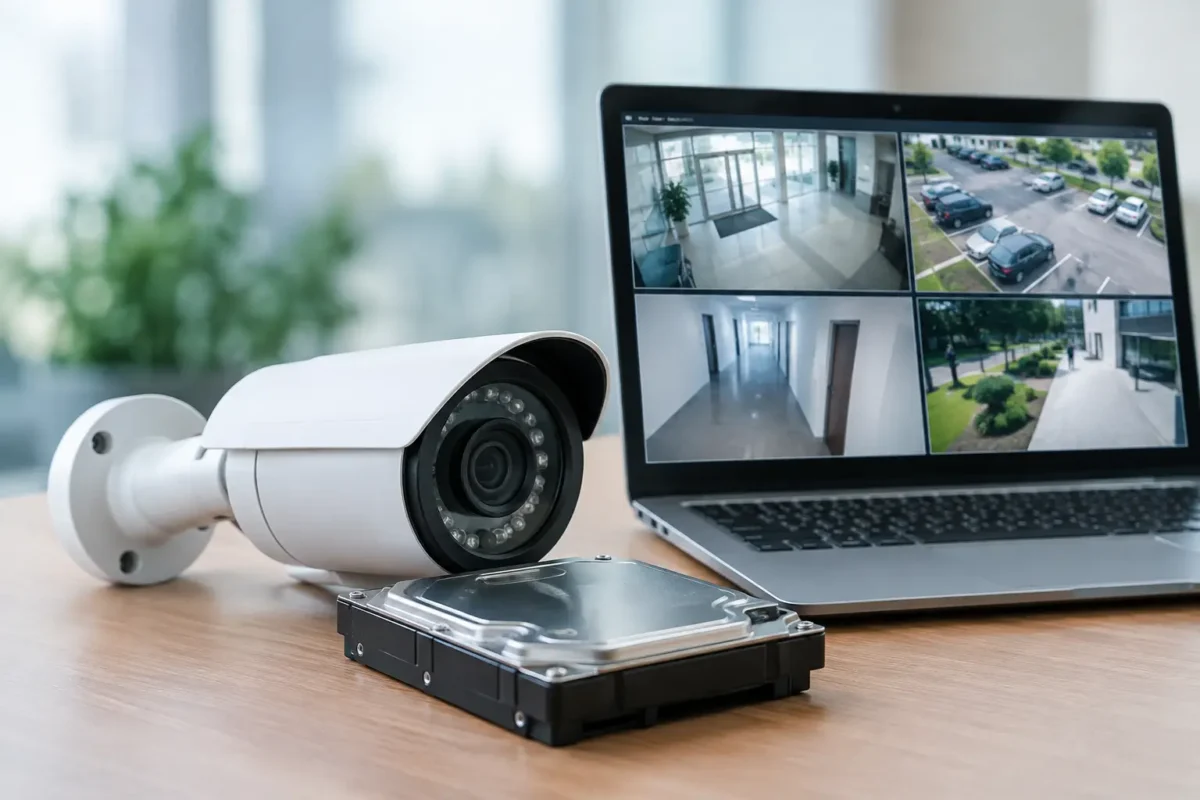
A break-in at 2:00 a.m. is only useful as evidence if the recording still exists when the owner, police officer, insurer, or attorney asks for it. A clear video retention policy guide prevents the common failure point in surveillance systems: cameras work, but critical footage has already been overwritten. The right policy gives your team enough time to identify an incident, preserve evidence, and respond without paying for more storage than the property actually needs.
For homes and businesses, retention is not a single number. A daycare, jewelry store, parking facility, construction site, and multi-location retailer face different risks, review schedules, privacy concerns, and storage demands. The objective is to set a documented retention period that matches how your operation works, then make sure the cameras, recorder, network, and support process can deliver it consistently.
Build Your Video Retention Policy Guide Around Risk
Start with the question that matters most: how long could it take for your business to discover a problem? A convenience store may notice a cash drawer shortage before the end of a shift. A parking lot hit-and-run may not be reported for several days. Theft of construction materials may not be identified until the next site inventory. If your recording window closes before the issue is discovered, the system cannot support an investigation.
For many small businesses, 30 days is a practical starting point for general surveillance. It gives owners time to review reported events, resolve customer disputes, and respond to incidents that surface after the weekend. Properties with slow discovery cycles, high-value inventory, recurring theft exposure, or external claims may need 60, 90, or more days. Residential systems may need less retention if homeowners receive timely motion alerts and review activity quickly.
Do not apply one period to every camera by default. Cameras covering entrances, point-of-sale areas, safes, loading docks, parking lots, and vehicle gates typically deserve longer retention than cameras monitoring low-risk hallways or back-of-house areas. License plate recognition footage can be especially valuable after an incident, but it also requires a clear purpose, controlled access, and reliable time synchronization.
A workable policy should state the normal retention period, which cameras receive extended retention, who can change those settings, and what happens when a recording must be preserved. That document should be short enough for managers to use and specific enough for installers and IT staff to configure correctly.
Calculate Storage Before You Promise a Retention Period
Retention is a storage calculation, not a label on a hard drive. Higher-resolution cameras, wider fields of view, higher frame rates, AI analytics, and continuous recording all consume capacity. A 4K camera recording around the clock needs substantially more storage than a 1080p camera recording only when a person or vehicle is detected.
The trade-off is straightforward. More detail can improve identification, while longer retention protects against late reporting. The best design balances both according to the camera’s job. A cash-wrap camera may need enough detail to review transactions and identify a person, while a perimeter camera may benefit from event-based recording that reduces unnecessary storage use.
Before installation or expansion, confirm the number of cameras, resolution, frame rate, compression method, hours recorded per day, and requested retention period. Include a margin for growth. A recorder sized exactly for today’s camera count can fail the policy as soon as a new entrance camera or parking lot camera is added.
Storage health also matters. Hard drives wear out, recorders can lose power, and a network problem can stop cameras from reaching the NVR. Review recorder alerts, available capacity, camera status, and time settings on a scheduled basis. A retention policy is only credible when the system is actively recording and the timestamps are accurate.
Continuous, Motion, and Event-Based Recording
Continuous recording provides the fullest timeline. It is often the right choice for high-risk indoor areas, active loading zones, cash handling locations, and locations where motion detection could miss an event. Its drawback is higher storage use.
Motion recording can extend retention, but poorly configured motion zones often create gaps or excessive false recordings. Trees, headlights, shadows, rain, and traffic can trigger activity outdoors. AI event recording can provide better filtering for people, vehicles, and line-crossing alerts, but it should be tested at the actual site before it becomes the only recording method for a critical area.
Many commercial systems use a combined approach: continuous low-frame-rate recording with higher-detail event recording. That configuration can preserve context while making important moments easier to find. It depends on the camera model, recorder capability, scene conditions, and the level of evidence the business expects to need.
Set Clear Access and Privacy Rules
A retention policy should identify who can view live video, search recordings, export clips, delete footage, and approve user access. Owners and designated managers may need broad access. Supervisors may only need access to their assigned location. Contractors should not automatically receive access to recorded video after installation is complete.
Use individual user accounts instead of a shared administrator password. Remove access promptly when employees leave or change roles. Where the system supports audit logs, review them after sensitive incidents to confirm who accessed or exported footage. This is especially useful for businesses handling employee disputes, customer complaints, or high-value inventory claims.
Privacy needs attention in every setting. Cameras should be placed for a legitimate security or operational purpose, not to monitor areas where people reasonably expect privacy. Audio recording rules can be more restrictive than video rules and vary by location, so obtain appropriate legal guidance before enabling microphones. California businesses should also consider applicable privacy obligations when collecting, retaining, and sharing video data.
Post clear camera notices where appropriate, particularly at customer-facing entrances, parking facilities, and work sites. Signage supports deterrence and helps establish that the property uses video surveillance. It does not replace a sound retention, access, and disclosure process.
Create a Preservation Process for Incidents
Normal retention should stop when footage becomes evidence. This is the most important operational rule in a video retention policy guide. If an accident, theft, injury, vandalism event, employee complaint, or police request occurs, the relevant recording should be preserved before the normal overwrite cycle removes it.
Assign one person or role to place a hold on footage. That person should document the camera names, date and time range, incident reference, and every exported copy. Preserve additional time before and after the event. A two-minute clip may show the immediate incident, but the surrounding footage can establish who arrived, which vehicle was involved, or what occurred beforehand.
Keep preserved footage separate from routine recordings when possible. Export it in the native format if available, along with a viewable copy for faster review. Maintain the original file and avoid editing it. If law enforcement, an insurer, or legal counsel requests video, provide material through an approved process and document what was released.
For multi-site businesses, this process needs to work when the owner is not onsite. A site manager should know whom to call, how to prevent overwrite, and where the recorder is located. For construction sites, temporary trailers and remote camera systems should have the same chain-of-custody discipline as a permanent facility.
Review the Policy When the Property Changes
A retention period that worked last year may not work after a remodel, new inventory program, expanded parking lot, additional cameras, or change in operating hours. Review the policy at least annually and after any significant incident. Test retrieval by locating a random date, searching for an event, exporting a clip, and confirming that the file plays on a separate computer.
If the review reveals shorter retention than expected, do not assume the recorder is defective. The cause may be increased bitrate, continuous recording enabled on new cameras, failed storage drives, incorrect overwrite settings, or cameras added without expanding capacity. Correcting the configuration is often faster and less expensive than replacing the entire system.
Tech Security USA helps property owners and facility managers design business-grade camera systems around real retention targets, from camera selection and recorder sizing to installation coordination and ongoing support. The most reliable retention policy is one your system can meet every day, not one that only looks good on paper.
Posted on GoogleTrustindex verifies that the original source of the review is Google. I visited the Tech Security USA orange to install security cameras for my home. I found it a very professional company, with high quality products that were made me impressed. I recommend it to anyone who are looking a professional security cameras company in onrange city of Orange County CA.Posted on GoogleTrustindex verifies that the original source of the review is Google. “Edit (this review is not “spam” which the owner claims it is and the story is absolutely real however it was about 2 years ago and if I wasn’t shy back then(9th grade) or I wish I had done/said something about my dad and I being taken advantage of as it was a scam (quoted at around $150 but after having to wait 3weeks instead of 3 days for the guy to charge us $300 for a cheap screen that no longer had a haptic button or working Touch ID along with many white pressure dots along the edges). Do not go here. If you look at most of their 5-star reviews, they are older than 7 years. I went here recently to fix my iPad Air (3rd gen). The problem was the screen's backlight wouldn't work, so it would just show a black image. The technician said he could get it done for around $150 and in 2-3 days he would call us (my dad and I). After a week of waiting, we decided to call but to no avail. We went to the place to check up on the work done, if any. We got there and the iPad was in the exact same spot as the day we left it there. The guy told us it would be ready in about 4 days, no later, and that he would call us. We never got the call, so we went back after about another 3 days of waiting for a call (2 weeks now). After waiting, we went back to the store for the iPad, and it appeared to us as if he had just gotten started by breaking the screen to replace it. After another week, we came back and he pulled it out from a drawer saying something along the lines of, "I was about to call you guys." The screen was working, but it was clearly a cheap screen that was ordered online, and the Touch ID didn’t work anymore. The button was replaced with a non-haptic one. There are many white dots along the edges of the screen that look as if someone pressed their thumb down too hard for too long. The guy said with all the "extra" work done to it, the new total would be $300. When my dad and I looked at each other, we knew that wasn’t right, but I watched my dad grab his wallet and pay. I wish I had said something because we were taken advantage of, and after a week, the iPad's screen isn’t functioning properly as it feels unresponsive.Posted on GoogleTrustindex verifies that the original source of the review is Google. Will somebody please tell the owner to stop responding? She’s only validating the bad reviews.Posted on GoogleTrustindex verifies that the original source of the review is Google. Little messy inside but brought an old Moto Z2 Play in to finalize my failed battery self install. Done when promised, phone looked as good as new and works fine. I'm happy.Posted on GoogleTrustindex verifies that the original source of the review is Google. Garbage screen quality do not come here the screen is more different then a regular apple screen they use low quality screens the whole screen shattered and has black lines throughout it after a tiny drop with a screen protector.Posted on GoogleTrustindex verifies that the original source of the review is Google. I needed a battery replacement for my Huawei p10, the engineer fixed it in a few days (he had to order the battery) and it was reasonable priced, very good, thank youPosted on GoogleTrustindex verifies that the original source of the review is Google. Great location and employees. Really came through when I needed help. Recommend this place to anyone.Posted on GoogleTrustindex verifies that the original source of the review is Google. My go to place for any laptop and iPhone repairs. Also very friendly and experienced guy James.
Resent Posts

How to Design Jobsite Surveillance That Works
21 October 2026

Surveillance System Maintenance Guide for Uptime
19 October 2026
Table of Contents