
Choosing a Daycare Security Camera System
[yasr_overall_rating]
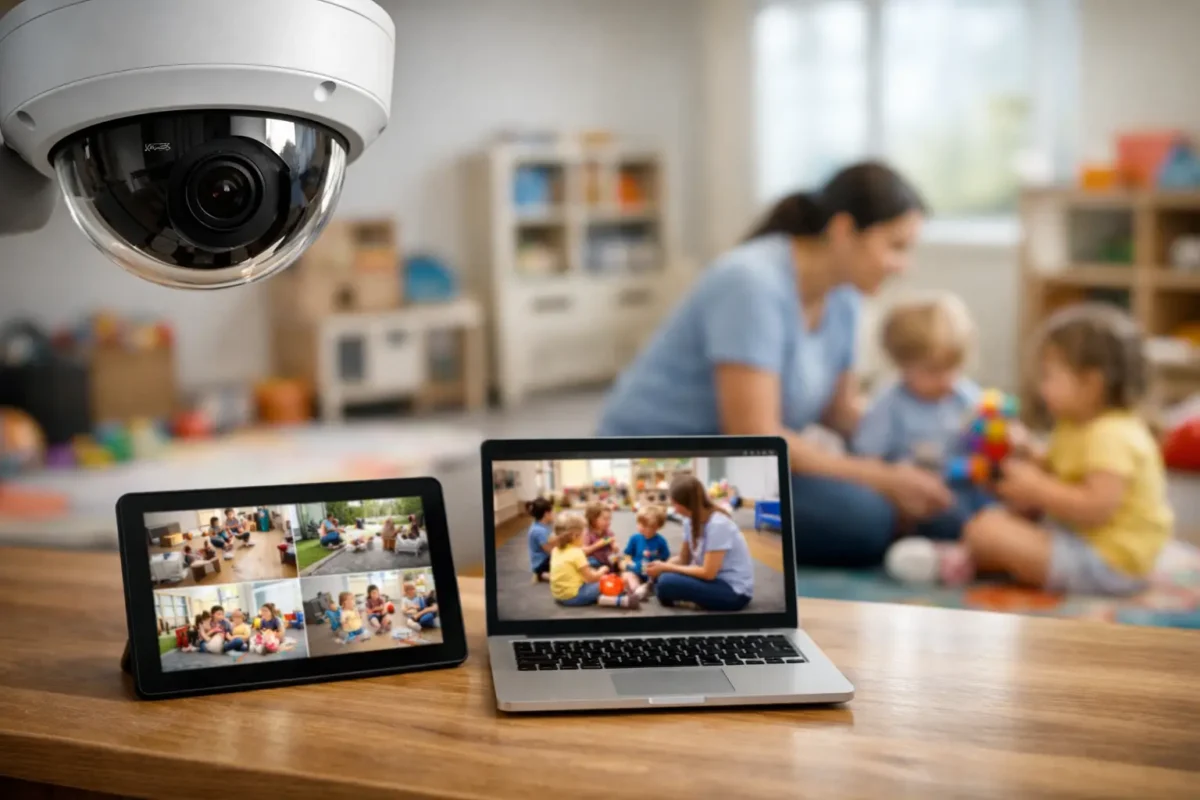
When a parent asks about cameras, they are not really asking about megapixels. They are asking whether your facility is prepared, accountable, and serious about child safety. A daycare security camera system has to answer that question every day, not just after an incident.
For daycare owners and directors, the right system does more than record video. It helps monitor entrances, document pickups and drop-offs, reduce blind spots in classrooms, and support staff when questions come up about routines, accidents, or unauthorized access. Just as important, it has to be designed around how your facility actually operates, because a bad camera layout creates false confidence and leaves critical areas uncovered.
What a daycare security camera system needs to do
A daycare environment has different security demands than a retail store or office. You are managing children, staff, parents, vendors, and scheduled visitors in a space where movement is constant and supervision matters. That changes what counts as a useful camera system.
At minimum, most facilities need clear coverage at main entrances, reception areas, hallways, classrooms, playground access points, parking areas, and pickup zones. In many cases, the best design also includes common areas where transitions happen, because those are often the places where confusion starts. If a child moves from one room to another, if a parent arrives early, or if a delivery driver enters the wrong door, the system should show exactly what happened.
That does not mean every room should be covered the same way. Camera selection should match the environment. A narrow hallway may need a different field of view than a large infant room. An outdoor play area may require weather-rated cameras with better glare handling. A front office may benefit from audio if local laws and policies allow it, while classrooms often require a more careful privacy review.
Where most daycare camera projects go wrong
The most common mistake is buying consumer-grade equipment because it looks inexpensive upfront. For a daycare, that usually becomes a costly decision. Weak night performance, limited storage, unstable mobile access, and poor image clarity can make footage useless when you actually need it.
The second mistake is installing cameras based on guesswork instead of site conditions. A camera can be technically working and still miss the door handle, the pickup exchange, or the corner of a playground gate where a problem occurs. Placement matters as much as the camera itself.
The third issue is underbuilding the system. Daycares often start by covering only the front entrance and a couple of rooms, then realize later they also need exterior coverage, better retention time, remote access for management, or footage from a second building. A scalable system avoids having to replace the whole setup when your needs grow.
The right camera types for daycare environments
Most daycare facilities do best with a mix of camera styles rather than one model everywhere. Dome cameras are often a strong fit indoors because they are compact, hard to tamper with, and clean-looking in classrooms and hallways. Bullet cameras are useful outdoors where longer viewing angles are needed, especially for entrances, parking lots, and perimeter lines.
Wide-angle or fisheye cameras can reduce blind spots in larger common areas, but they are not always the best answer for identification. The wider the view, the more detail you can lose at distance. That trade-off is acceptable in some rooms and a poor choice in others. If you need to clearly see facial detail at a controlled entrance, a dedicated camera placed at the right height usually performs better than relying on one extra-wide camera to cover everything.
Higher resolution helps, but image quality is not just about resolution. Lighting conditions, lens choice, frame rate, compression, and recorder quality all affect whether footage is useful. In a daycare, where people are moving constantly and indoor lighting can vary from room to room, these details are not optional.
Coverage areas that matter most
A good design starts with risk points, not product specs. The front entrance should always be a priority, with a direct view of everyone coming in and out. Pickup and drop-off zones matter just as much, especially during busy transition periods when multiple families arrive at once.
Inside the building, hallways and room entry points provide accountability without necessarily overloading every space with cameras. Classrooms are often included, but coverage should be planned carefully to support supervision goals while respecting internal policies and state requirements. Outdoor play areas, side gates, parking lots, and rear access points are also high-value zones because they involve movement between supervised and less supervised spaces.
If your daycare has multiple buildings, portable classrooms, or separate staff entrances, the system should treat those as part of one operational layout. Fragmented coverage creates operational gaps, and those gaps usually show up at the worst time.
Recording, retention, and remote access
A daycare security camera system is only as strong as its recording setup. Cloud-only systems may sound simple, but for many commercial facilities, a properly sized network video recorder offers more reliable storage, better retention control, and less ongoing dependence on internet bandwidth. In some cases, a hybrid setup makes sense. It depends on the number of cameras, how long footage needs to be stored, and how often management needs remote access.
Retention is not one-size-fits-all. A smaller center may be comfortable with a shorter storage window, while a larger daycare may want more days of footage available for review. The right answer depends on incident patterns, internal policies, and how long questions typically take to surface. It is better to size storage correctly at the beginning than to find out later that important footage was overwritten.
Remote access is also essential for owners and directors who cannot stay on site all day. But it has to be secure and dependable. If mobile viewing is slow, inconsistent, or difficult to manage across multiple users, it becomes a frustration instead of an operational advantage.
Why professional design and installation matter
Daycare security is not a plug-and-play category. Cable paths, recorder location, network capacity, camera angles, lighting, and future expansion all need to be considered before installation starts. A professional design helps prevent the typical problems that show up later, like poor image quality at doors, dead network ports, weak Wi-Fi assumptions, or recorders placed where unauthorized staff can access them.
Installation quality matters for another reason: appearance and confidence. In a childcare setting, equipment should look organized and intentional. Visible cameras can act as a deterrent, but exposed wiring, poorly mounted hardware, or inconsistent placement sends the wrong message to parents and staff.
This is where a service-focused provider adds real value. Business-grade hardware, correct placement, and post-install support are what keep the system working over time. For operators in Seattle and California, Tech Security USA works with daycare facilities that need systems designed and installed correctly, with support available when a camera goes offline, storage needs change, or expansion becomes necessary.
Questions daycare owners should ask before buying
Before you approve any quote, ask what areas are covered, what blind spots remain, how long footage will be stored, and how users will access recordings. Ask whether the system can expand without replacing the recorder. Ask who supports the system after installation and how quickly service is available if something fails.
Also ask about the practical side of daily use. Can management quickly search by time and camera? Can footage be exported for an incident review? Will staff need training to use the system properly? A system that looks good on paper but is hard to operate will not serve your team well.
Price still matters, of course. But for daycare facilities, lowest cost rarely means best value. The better question is whether the system will hold up under daily use, provide clear footage when needed, and come with support that matches the responsibility of your environment.
A daycare camera system should help you run a safer, more accountable facility with less uncertainty. If the design is right, the equipment is business-grade, and the support is there after install, you are not just adding cameras. You are putting a dependable operational tool in place for the people who trust you with the most important part of their day.
Posted on GoogleTrustindex verifies that the original source of the review is Google. I visited the Tech Security USA orange to install security cameras for my home. I found it a very professional company, with high quality products that were made me impressed. I recommend it to anyone who are looking a professional security cameras company in onrange city of Orange County CA.Posted on GoogleTrustindex verifies that the original source of the review is Google. “Edit (this review is not “spam” which the owner claims it is and the story is absolutely real however it was about 2 years ago and if I wasn’t shy back then(9th grade) or I wish I had done/said something about my dad and I being taken advantage of as it was a scam (quoted at around $150 but after having to wait 3weeks instead of 3 days for the guy to charge us $300 for a cheap screen that no longer had a haptic button or working Touch ID along with many white pressure dots along the edges). Do not go here. If you look at most of their 5-star reviews, they are older than 7 years. I went here recently to fix my iPad Air (3rd gen). The problem was the screen's backlight wouldn't work, so it would just show a black image. The technician said he could get it done for around $150 and in 2-3 days he would call us (my dad and I). After a week of waiting, we decided to call but to no avail. We went to the place to check up on the work done, if any. We got there and the iPad was in the exact same spot as the day we left it there. The guy told us it would be ready in about 4 days, no later, and that he would call us. We never got the call, so we went back after about another 3 days of waiting for a call (2 weeks now). After waiting, we went back to the store for the iPad, and it appeared to us as if he had just gotten started by breaking the screen to replace it. After another week, we came back and he pulled it out from a drawer saying something along the lines of, "I was about to call you guys." The screen was working, but it was clearly a cheap screen that was ordered online, and the Touch ID didn’t work anymore. The button was replaced with a non-haptic one. There are many white dots along the edges of the screen that look as if someone pressed their thumb down too hard for too long. The guy said with all the "extra" work done to it, the new total would be $300. When my dad and I looked at each other, we knew that wasn’t right, but I watched my dad grab his wallet and pay. I wish I had said something because we were taken advantage of, and after a week, the iPad's screen isn’t functioning properly as it feels unresponsive.Posted on GoogleTrustindex verifies that the original source of the review is Google. Will somebody please tell the owner to stop responding? She’s only validating the bad reviews.Posted on GoogleTrustindex verifies that the original source of the review is Google. Little messy inside but brought an old Moto Z2 Play in to finalize my failed battery self install. Done when promised, phone looked as good as new and works fine. I'm happy.Posted on GoogleTrustindex verifies that the original source of the review is Google. Garbage screen quality do not come here the screen is more different then a regular apple screen they use low quality screens the whole screen shattered and has black lines throughout it after a tiny drop with a screen protector.Posted on GoogleTrustindex verifies that the original source of the review is Google. I needed a battery replacement for my Huawei p10, the engineer fixed it in a few days (he had to order the battery) and it was reasonable priced, very good, thank youPosted on GoogleTrustindex verifies that the original source of the review is Google. Great location and employees. Really came through when I needed help. Recommend this place to anyone.Posted on GoogleTrustindex verifies that the original source of the review is Google. My go to place for any laptop and iPhone repairs. Also very friendly and experienced guy James.
Resent Posts
How to Secure Parking Lot Cameras Properly
30 August 2026

Can Cameras Identify Shoplifters? What They Can Prove
28 August 2026
Table of Contents