

AI Cameras vs Traditional Cameras Compared
[yasr_overall_rating]
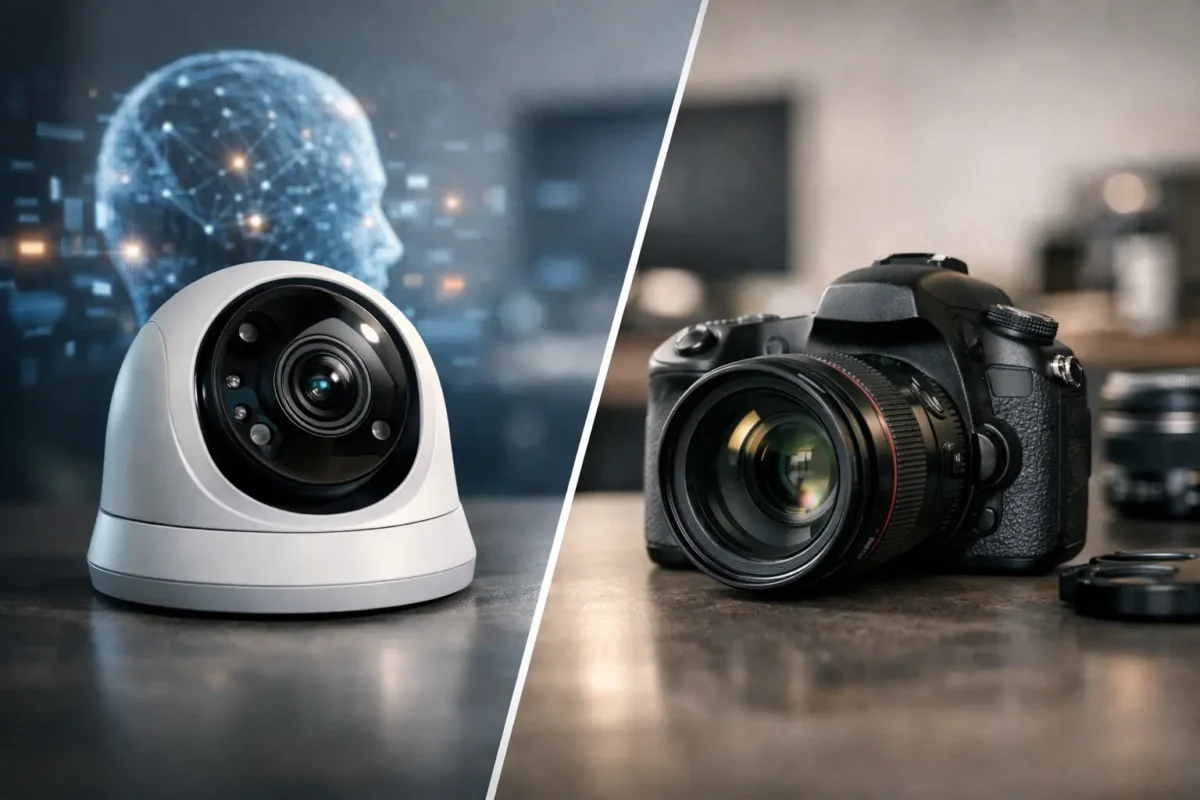
A camera that records a break-in is useful. A camera that alerts the right person when someone enters a restricted area, loiters by a gate, or removes an item can change the outcome. That is the practical difference behind AI cameras vs traditional camera systems for homes and businesses. The right choice depends less on which option sounds newer and more on what your property needs the system to do after it detects activity.
For a Seattle storefront, California parking lot, daycare, job site, or residential driveway, surveillance has to deliver usable evidence without filling the recorder and your phone with alerts caused by rain, headlights, trees, or passing cars. A business-grade system designed and installed correctly starts with that requirement.
AI Cameras vs Traditional Cameras: The Core Difference
Traditional security cameras capture video based on a schedule, continuous recording, basic motion detection, or a combination of the three. Their main job is to provide a visual record. When an incident occurs, an owner, manager, or investigator can review footage to see what happened.
AI cameras still record video, but they add onboard or recorder-based analytics that classify and interpret events. Depending on the camera and system configuration, an AI camera may distinguish people from vehicles, detect line crossing, identify loitering, count occupants, recognize certain objects, or read license plates. It shifts a security system from passive recording toward event-based monitoring.
That does not mean every AI camera is automatically better. A poorly placed AI camera pointed at a busy street will still create irrelevant events. A low-quality camera cannot produce clear identification simply because it has analytics. Lens selection, lighting, mounting height, network design, recording capacity, and professional configuration still determine whether the system performs when it matters.
Where Traditional Cameras Still Make Sense
Traditional cameras remain a sound choice for many coverage needs. They are effective when the goal is broad visual documentation rather than immediate event classification. A fixed dome camera in an office hallway, a bullet camera watching a side entrance, or a PTZ camera used by a live guard can all provide dependable footage without requiring advanced analytics on every channel.
They are also often the more economical route for properties that need many cameras covering low-risk areas. A warehouse may need clear coverage of aisles, loading bays, and exits, but only a few entrances may require intelligent alerts. In that case, a mixed system can control costs while preserving coverage.
Traditional cameras also keep operations simple for teams that do not need frequent notifications. If a manager only reviews video after a customer dispute, employee incident, or property damage report, continuous recording with the right retention period may be the priority. The key is to specify sufficient resolution, night performance, and storage from the start. Saving unclear footage for seven days is rarely more valuable than retaining identifiable footage for the time your business needs.
What AI Cameras Improve in Daily Operations
AI analytics are most valuable when staff need to respond to specific events quickly. Standard motion detection sees movement. AI analytics can narrow that movement to the events you care about. This can substantially reduce false alerts from shadows, insects, rain, swaying branches, and changing light.
For example, a smoke shop may use person detection and intrusion rules after closing, allowing management to receive alerts when someone crosses a defined boundary near an entrance or display area. A jewelry store can use people counting and smart search features to review activity around showcases. A construction site can use person and vehicle alerts at access points, helping document after-hours movement when materials and equipment are exposed.
Parking facilities are another strong use case. License plate recognition cameras can capture approved and unapproved vehicle activity at a controlled entrance, but only when the installation accounts for vehicle speed, camera angle, lane width, lighting, and plate format. Installing an LPR camera like a standard overview camera is a common and costly mistake. These systems need a purpose-built design.
AI search can also save staff time after an incident. Rather than reviewing hours of video, a user may search for a person, vehicle, or event within a selected area and time range. The results still need human review, but the system can reduce the time required to find the relevant footage.
Detection Is Not the Same as Identification
One of the most important buying decisions is separating detection, recognition, and identification. A camera may detect that a person entered a lot from 100 feet away. It may recognize that the same person appears in multiple views. Identifying a face well enough for evidence requires the subject to occupy enough pixels, have usable lighting, and approach at an appropriate angle.
This is why a single wide-angle camera rarely solves every security problem. Wide views establish context, while dedicated cameras at doors, gates, registers, and chokepoints capture the detail needed for identification. A panorama or fisheye camera can cover a large interior area, but it may not replace a properly positioned camera at an entry point.
For residential properties, the same principle applies. A driveway overview can show a vehicle arriving, while a focused camera at the front walk or door provides the face-level detail that may be needed later. AI can alert you to a person approaching, but placement determines whether the recorded image is useful.
Cost, Storage, and Network Trade-Offs
AI cameras usually carry a higher upfront cost than basic cameras, particularly when the project requires specialized features such as license plate recognition, multi-sensor coverage, or advanced perimeter rules. They may also require compatible network video recorders, adequate processor capacity, and a stable network. These costs should be evaluated as part of the complete system, not camera by camera.
However, AI can reduce operational cost when it cuts down on needless alert reviews, speeds up investigations, or helps a team respond before a loss becomes larger. For a multi-site operator, fewer false alarms and faster video searches can justify the investment. For a small property with a simple entry and limited activity, a well-installed traditional camera system may provide the better return.
Storage planning also matters. Higher resolution, more frames per second, continuous recording, and longer retention all increase storage demand. Analytics do not eliminate the need for recording capacity. They can make event review easier, but the system still needs enough hard drive space to retain the video your business, insurance requirements, or internal policies demand.
Do not overlook bandwidth. Remote viewing, cloud access, multiple users, and high-resolution cameras place demands on the network. A security installer should assess cabling, PoE switch capacity, wireless bridges where required, remote access settings, and backup power. The camera is only one part of the security infrastructure.
Privacy and Policy Need a Place in the Design
AI systems create a stronger need for clear operating policies. Property owners should decide who can access live video, exported footage, plate data, and alerts. User permissions should match job responsibilities, and passwords should never be shared across a team.
For businesses open to the public, camera placement should focus on legitimate security needs. Avoid recording private areas and consider signage where appropriate. Daycares, medical-adjacent facilities, and workplaces may have additional policy considerations. The goal is to improve safety and accountability without creating unnecessary exposure for staff, customers, or residents.
Audio recording deserves separate attention because consent requirements vary by location and use case. A professional system design should address video, audio, retention, remote access, and user permissions before equipment is installed.
Choosing the Right System for Your Property
Start with the incidents you want to prevent, document, or investigate. If theft occurs near a loading door, the answer may be an AI-enabled camera with a defined intrusion zone, plus a dedicated identification view at the door. If a retail counter has cash disputes, clear traditional camera coverage with the right angle may be more useful than advanced analytics.
For larger facilities, a layered approach is often the best fit: traditional cameras for general coverage, AI cameras at entrances and high-risk zones, PTZ cameras for active oversight, and specialized LPR cameras where vehicle accountability matters. This avoids paying for advanced analytics in locations where they add little value while protecting the areas that drive risk.
A site review should account for lighting, mounting locations, viewing distances, available cabling, internet reliability, recorder location, and how staff will use alerts. Tech Security USA helps customers align those details with business-grade hardware, installation coordination, training, and same day support when service is needed.
The best camera system is not the one with the longest feature list. It is the one that gives your team clear evidence, relevant alerts, and dependable coverage when the property is most vulnerable.
Posted on GoogleTrustindex verifies that the original source of the review is Google. I visited the Tech Security USA orange to install security cameras for my home. I found it a very professional company, with high quality products that were made me impressed. I recommend it to anyone who are looking a professional security cameras company in onrange city of Orange County CA.Posted on GoogleTrustindex verifies that the original source of the review is Google. “Edit (this review is not “spam” which the owner claims it is and the story is absolutely real however it was about 2 years ago and if I wasn’t shy back then(9th grade) or I wish I had done/said something about my dad and I being taken advantage of as it was a scam (quoted at around $150 but after having to wait 3weeks instead of 3 days for the guy to charge us $300 for a cheap screen that no longer had a haptic button or working Touch ID along with many white pressure dots along the edges). Do not go here. If you look at most of their 5-star reviews, they are older than 7 years. I went here recently to fix my iPad Air (3rd gen). The problem was the screen's backlight wouldn't work, so it would just show a black image. The technician said he could get it done for around $150 and in 2-3 days he would call us (my dad and I). After a week of waiting, we decided to call but to no avail. We went to the place to check up on the work done, if any. We got there and the iPad was in the exact same spot as the day we left it there. The guy told us it would be ready in about 4 days, no later, and that he would call us. We never got the call, so we went back after about another 3 days of waiting for a call (2 weeks now). After waiting, we went back to the store for the iPad, and it appeared to us as if he had just gotten started by breaking the screen to replace it. After another week, we came back and he pulled it out from a drawer saying something along the lines of, "I was about to call you guys." The screen was working, but it was clearly a cheap screen that was ordered online, and the Touch ID didn’t work anymore. The button was replaced with a non-haptic one. There are many white dots along the edges of the screen that look as if someone pressed their thumb down too hard for too long. The guy said with all the "extra" work done to it, the new total would be $300. When my dad and I looked at each other, we knew that wasn’t right, but I watched my dad grab his wallet and pay. I wish I had said something because we were taken advantage of, and after a week, the iPad's screen isn’t functioning properly as it feels unresponsive.Posted on GoogleTrustindex verifies that the original source of the review is Google. Will somebody please tell the owner to stop responding? She’s only validating the bad reviews.Posted on GoogleTrustindex verifies that the original source of the review is Google. Little messy inside but brought an old Moto Z2 Play in to finalize my failed battery self install. Done when promised, phone looked as good as new and works fine. I'm happy.Posted on GoogleTrustindex verifies that the original source of the review is Google. Garbage screen quality do not come here the screen is more different then a regular apple screen they use low quality screens the whole screen shattered and has black lines throughout it after a tiny drop with a screen protector.Posted on GoogleTrustindex verifies that the original source of the review is Google. I needed a battery replacement for my Huawei p10, the engineer fixed it in a few days (he had to order the battery) and it was reasonable priced, very good, thank youPosted on GoogleTrustindex verifies that the original source of the review is Google. Great location and employees. Really came through when I needed help. Recommend this place to anyone.Posted on GoogleTrustindex verifies that the original source of the review is Google. My go to place for any laptop and iPhone repairs. Also very friendly and experienced guy James.
Resent Posts

How to Design Jobsite Surveillance That Works
21 October 2026

Surveillance System Maintenance Guide for Uptime
19 October 2026
Table of Contents