

Best Business Security Cameras Without Subscription
[yasr_overall_rating]
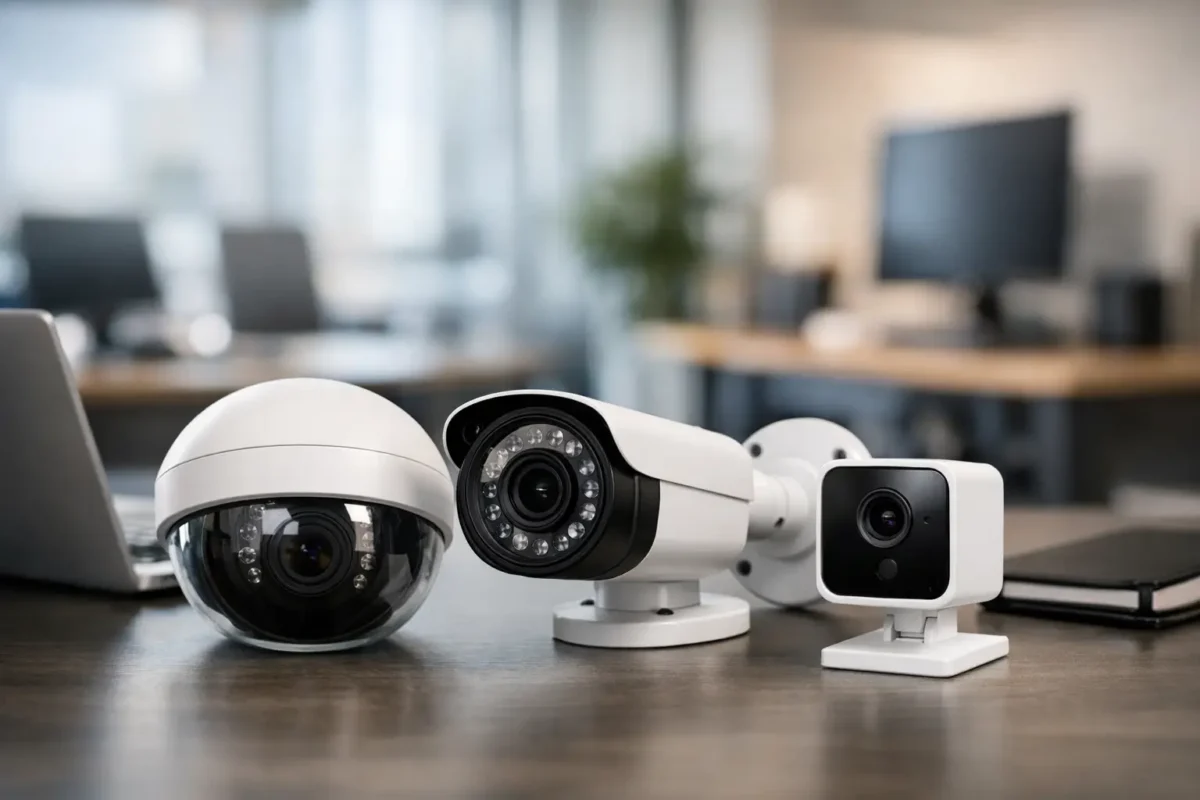
Monthly camera fees look small until you multiply them across every entrance, register, hallway, and exterior wall. That is why many owners now ask for business security cameras without subscription plans – not because they want less capability, but because they want predictable costs, local control, and a system that keeps recording even when a cloud plan changes.
For a retail store, daycare, warehouse, office, or job site, that decision can be smart. It can also go wrong fast if you buy consumer hardware that was never designed for commercial uptime. The real question is not just whether you can avoid a monthly fee. It is whether the system will give you the image quality, retention, remote access, and support your operation actually needs.
Why business security cameras without subscription appeal to owners
The biggest advantage is cost control. A one-time investment in cameras, a recorder, storage, and installation usually makes more financial sense than paying ongoing per-camera fees for years. If you run a small site with four cameras, the difference may be modest. If you manage a smoke shop, parking lot, restaurant, daycare, or multi-site operation with 16, 32, or more channels, recurring cloud costs add up quickly.
The second advantage is ownership of the footage. Many subscription-free systems store video on a network video recorder, digital video recorder, edge storage card, or on-premise server. That gives the business more direct control over retention settings, export procedures, and chain of custody after an incident. For owners dealing with theft claims, employee disputes, vandalism, or customer incidents, that control matters.
There is also a reliability argument. Properly designed local recording systems continue capturing footage even if internet service drops. You may lose remote viewing temporarily, but the recorder on site keeps working. For businesses that cannot afford blind spots during outages, that is a major operational benefit.
What “without subscription” actually means
This is where buyers get tripped up. Some cameras advertise no monthly fees, but only for basic local recording. If you want advanced AI search, longer cloud backup, central management across multiple sites, or warranty upgrades, the paid layer comes back in. That does not make the product bad. It just means the term needs to be defined before you buy.
A true business-grade non-subscription setup usually means the core functions are included without recurring charges. Those core functions should include continuous or motion-based recording, remote live view, playback, footage export, user permissions, and enough storage for the retention period you need. For most commercial customers, that retention target is driven by risk, policy, or insurance requirements rather than convenience.
If a system only works well when paired with an app subscription, it is not really a no-subscription commercial solution. It is a consumer product with a trial period.
The right system architecture matters more than the monthly fee
When owners search for business security cameras without subscription, they often focus first on the camera itself. In practice, the recorder and the network design matter just as much.
A PoE IP camera system with an NVR is often the strongest fit for business use. It gives you centralized recording, stable power and data over one cable, cleaner installation, and room to expand. Analog HD systems with a DVR can still work well for budget-conscious retrofits, especially when existing coax is already in place. Wireless cameras can fit temporary spaces or small offices, but they are usually not the first choice for serious commercial coverage where uptime and consistent recording matter.
The best setup depends on the property. A jewelry store needs detailed facial coverage, transaction-area visibility, and likely a mix of fixed cameras and zoom-capable units. A daycare needs strong interior hallway and entry monitoring with careful camera placement around privacy expectations. A parking lot may need long-range coverage, license plate capture, supplemental lighting, and weather-rated hardware. The subscription question is only one piece of the design.
Features worth paying for upfront
If you are trying to avoid ongoing fees, it makes sense to invest in the right hardware at the beginning. Cheap cameras usually cost more later through missed events, false alerts, poor night image quality, and early replacement.
Start with resolution, but do not stop there. A 4MP or 8MP camera sounds good on paper, yet image clarity depends heavily on lens choice, sensor performance, frame rate, and lighting. Night performance matters in loading zones, parking areas, alleys, and early-morning entry points. Wide dynamic range matters at front doors where bright daylight and darker interiors meet.
Smart analytics can also be worth it when built into the hardware instead of tied to a recurring platform fee. Human and vehicle detection, line crossing, intrusion zones, loitering alerts, and searchable playback can reduce the time it takes to find a real event. For many businesses, that operational speed is just as valuable as the footage itself.
Storage should be sized correctly from day one. If you want 30 days of continuous recording on 12 high-resolution cameras, the recorder must be built for that load. Under-sizing storage is one of the most common mistakes in no-subscription systems. Owners assume they are covered until they need footage from three weeks ago and find out it was overwritten in six days.
Where no-subscription systems work best
For single-site businesses that want dependable recording and straightforward remote access, local-recording systems are usually an excellent fit. They also work well for customers who want to avoid unpredictable software costs or do not want their basic surveillance workflow tied to a cloud vendor.
They are especially practical in retail, professional offices, warehouses, mixed-use properties, construction sites, and small multi-building facilities. These environments benefit from always-on local recording, visible deterrence, and the ability to export evidence quickly.
They also fit owners who want a system designed and installed correctly once, then maintained as needed. That model tends to align with business operators who value dependable hardware, professional camera placement, and support they can actually reach.
Where the trade-offs show up
No-subscription does not automatically mean lower total effort. Someone still has to manage the recorder, maintain storage health, replace failed drives, update firmware when appropriate, and make sure remote access is configured securely. With cloud-first systems, some of that burden shifts to the platform provider. With local systems, more control stays on your side.
There is also a difference between remote convenience and enterprise scale. If you oversee many locations and want centralized health monitoring, cloud backup redundancy, or highly standardized user administration, a paid platform may be worth it. Some businesses choose a hybrid model – local recording for primary retention and selective cloud services for alerts or off-site backup.
That is why the right answer is rarely ideological. It is operational. You choose the system that matches your site conditions, risk level, and internal capacity.
How to buy business security cameras without subscription the right way
Start with the problems you need the system to solve. Are you trying to deter theft, verify transactions, monitor employee safety, reduce liability, watch deliveries, or secure a perimeter after hours? Each goal affects camera type, mounting height, lens selection, lighting strategy, and storage requirements.
Next, think in zones, not just camera counts. Front entrance, point of sale, stock room, side alley, parking area, and receiving door all have different image priorities. One high-quality camera in the right position is more useful than two badly placed units with wide but unusable views.
Then consider who will support the system after installation. Business owners often underestimate how much value comes from setup, training, warranty handling, and fast service when something fails. A camera system is not just a box purchase. It is part of your daily operation and your incident response process.
For that reason, many commercial buyers prefer working with a provider that can recommend business-grade equipment, size storage correctly, coordinate installation, and provide post-sale support. Tech Security USA works with that model because it reduces avoidable failures and gives customers a clearer path from planning to live operation.
The bottom line on subscription-free surveillance
Business security cameras without subscription can be the right move when you want lower long-term costs, local recording control, and equipment built around your property instead of an app billing model. The key is avoiding the false economy of consumer-grade gear that promises no fees but falls short on retention, image quality, or reliability.
If the system is designed for your business, installed correctly, and backed by real support, skipping monthly fees does not mean compromising performance. It means putting the budget into the parts of security that actually protect the site – better cameras, better coverage, better recording, and a system that keeps working when you need answers fast.
The best camera system is not the one with the loudest marketing claim about free storage. It is the one that captures the right evidence, holds up under daily use, and fits your operation for the long haul.
Posted on GoogleTrustindex verifies that the original source of the review is Google. I visited the Tech Security USA orange to install security cameras for my home. I found it a very professional company, with high quality products that were made me impressed. I recommend it to anyone who are looking a professional security cameras company in onrange city of Orange County CA.Posted on GoogleTrustindex verifies that the original source of the review is Google. “Edit (this review is not “spam” which the owner claims it is and the story is absolutely real however it was about 2 years ago and if I wasn’t shy back then(9th grade) or I wish I had done/said something about my dad and I being taken advantage of as it was a scam (quoted at around $150 but after having to wait 3weeks instead of 3 days for the guy to charge us $300 for a cheap screen that no longer had a haptic button or working Touch ID along with many white pressure dots along the edges). Do not go here. If you look at most of their 5-star reviews, they are older than 7 years. I went here recently to fix my iPad Air (3rd gen). The problem was the screen's backlight wouldn't work, so it would just show a black image. The technician said he could get it done for around $150 and in 2-3 days he would call us (my dad and I). After a week of waiting, we decided to call but to no avail. We went to the place to check up on the work done, if any. We got there and the iPad was in the exact same spot as the day we left it there. The guy told us it would be ready in about 4 days, no later, and that he would call us. We never got the call, so we went back after about another 3 days of waiting for a call (2 weeks now). After waiting, we went back to the store for the iPad, and it appeared to us as if he had just gotten started by breaking the screen to replace it. After another week, we came back and he pulled it out from a drawer saying something along the lines of, "I was about to call you guys." The screen was working, but it was clearly a cheap screen that was ordered online, and the Touch ID didn’t work anymore. The button was replaced with a non-haptic one. There are many white dots along the edges of the screen that look as if someone pressed their thumb down too hard for too long. The guy said with all the "extra" work done to it, the new total would be $300. When my dad and I looked at each other, we knew that wasn’t right, but I watched my dad grab his wallet and pay. I wish I had said something because we were taken advantage of, and after a week, the iPad's screen isn’t functioning properly as it feels unresponsive.Posted on GoogleTrustindex verifies that the original source of the review is Google. Will somebody please tell the owner to stop responding? She’s only validating the bad reviews.Posted on GoogleTrustindex verifies that the original source of the review is Google. Little messy inside but brought an old Moto Z2 Play in to finalize my failed battery self install. Done when promised, phone looked as good as new and works fine. I'm happy.Posted on GoogleTrustindex verifies that the original source of the review is Google. Garbage screen quality do not come here the screen is more different then a regular apple screen they use low quality screens the whole screen shattered and has black lines throughout it after a tiny drop with a screen protector.Posted on GoogleTrustindex verifies that the original source of the review is Google. I needed a battery replacement for my Huawei p10, the engineer fixed it in a few days (he had to order the battery) and it was reasonable priced, very good, thank youPosted on GoogleTrustindex verifies that the original source of the review is Google. Great location and employees. Really came through when I needed help. Recommend this place to anyone.Posted on GoogleTrustindex verifies that the original source of the review is Google. My go to place for any laptop and iPhone repairs. Also very friendly and experienced guy James.
Resent Posts

How to Design Jobsite Surveillance That Works
21 October 2026

Surveillance System Maintenance Guide for Uptime
19 October 2026
Table of Contents