

How to Monitor Remote Jobsites Without Blind Spots
[yasr_overall_rating]
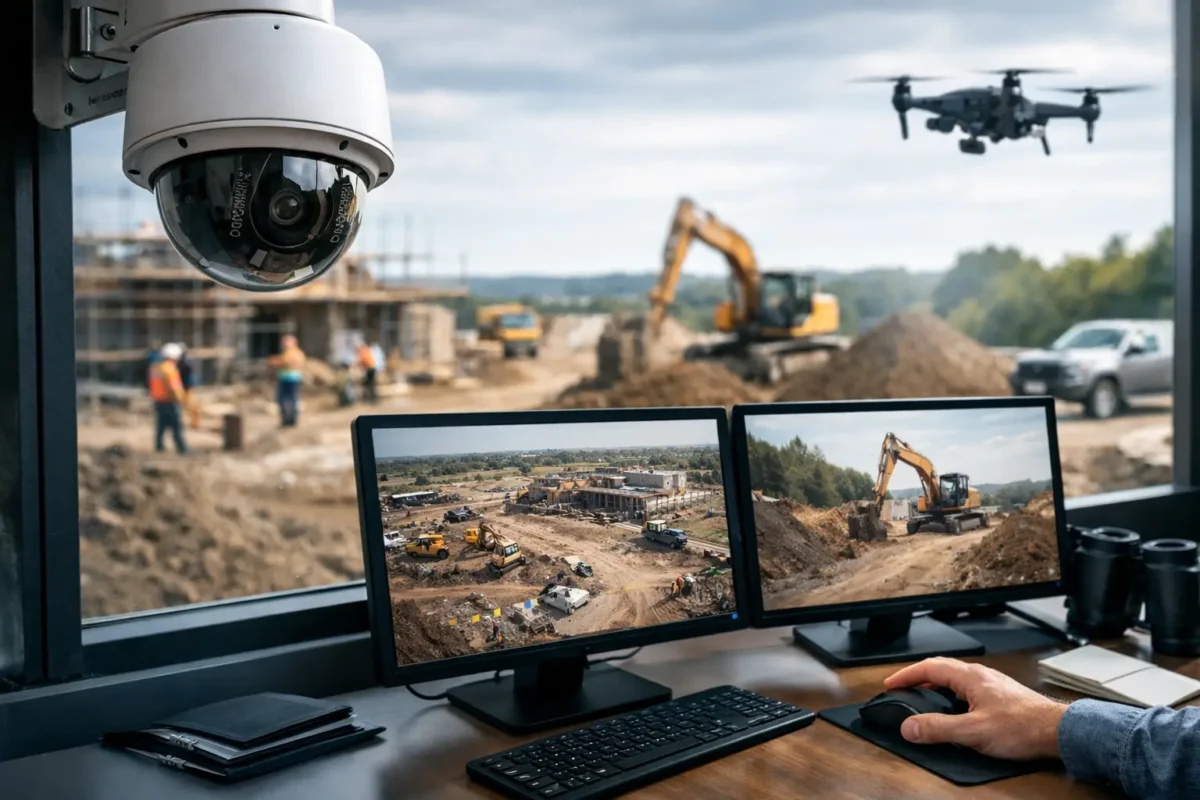
A jobsite can lose thousands of dollars in tools, copper, fuel, and materials in one weekend. The harder problem is often proving what happened after the fact. Knowing how to monitor remote jobsites means building a system that delivers usable video, dependable alerts, and evidence you can retrieve when the site is empty and no one is available to troubleshoot it.
A temporary construction location is not a typical commercial property. Power may be inconsistent, internet may not exist, crews and access points change throughout the project, and weather puts every exposed component to the test. A business-grade jobsite camera system should be designed around those conditions from the start, not added after the first theft or vandalism incident.
Start With the Risks on Your Specific Site
Remote jobsite monitoring starts with a walkthrough, even when the site is still in its early stages. Identify the areas where a person, vehicle, or load of material can enter and leave. The main gate matters, but so do side access roads, equipment storage areas, trailer doors, fuel tanks, and material laydown yards.
Camera placement should follow the risk, not a generic diagram. A wide overview camera can show activity across a staging area, while a dedicated camera at the gate captures the face of a driver or the details of a vehicle. If vehicle accountability is a priority, a license plate recognition camera needs a controlled viewing angle and proper lighting. It cannot reliably read plates when it is installed too high, aimed across multiple lanes, or asked to cover a broad yard and a vehicle entrance at the same time.
It also helps to decide what you need the system to accomplish. Some sites need live oversight of deliveries and subcontractor activity. Others primarily need after-hours theft deterrence and recorded evidence. The right design can do both, but the camera count, recording plan, and alert settings will differ.
Choose Cameras That Match the Job, Not Just the Budget
Construction sites are demanding environments. Cameras need weather-rated housings, secure mounts, stable power, and enough image quality to identify activity at useful distances. Low-cost consumer cameras may be appealing for a temporary project, but they often create gaps in recording, weak night images, and unreliable wireless connections when conditions are less than ideal.
For most remote jobsites, a combination of fixed cameras and targeted coverage produces better results than relying on one device to see everything. Bullet cameras are effective for gates, long driveways, and perimeter lines because they can be aimed precisely. Dome cameras work well near trailers, doors, and locations where a more compact profile is preferred. Panoramic or fisheye cameras can cover a central work area, although they are not a replacement for detail cameras at key access points.
PTZ cameras are valuable when a supervisor or monitoring team needs to actively inspect a large property. They can zoom in on a delivery, follow an incident, or check conditions across a broad yard. However, a PTZ only sees where it is pointed at that moment. Fixed cameras should still protect the areas where identification and continuous recording are required.
Night performance deserves special attention. Infrared illumination can cover dark areas, but camera placement must avoid reflections from nearby walls, containers, or shiny equipment. Color night vision can be useful where controlled white light is acceptable. For high-risk entrances, adding properly positioned lighting can improve both deterrence and image quality.
Build Connectivity Before You Promise Remote Viewing
A camera system is only remotely useful if it has a reliable path back to the people who need to view it. On an established site, that may be a wired internet connection. On a temporary or undeveloped location, LTE or 5G connectivity is often the practical answer.
Cellular service must be tested at the actual camera and network equipment location, not assumed based on a coverage map. Signal strength can vary across a property, especially near hills, dense buildings, shipping containers, or heavy equipment. A professional installer can identify the best equipment location, select the proper router and antenna setup, and confirm that the available bandwidth supports live viewing and remote access.
Avoid designing the system around continuous cloud uploading unless the cellular plan and signal can support it. Video consumes data quickly. A more dependable approach for many jobsites is local recording on a network video recorder, paired with remote access for live viewing, playback, health checks, and event clips. This keeps full-resolution footage on site while reducing unnecessary data usage.
Power requires the same level of planning. If utility power is available, use protected, properly installed power distribution and backup power for the recorder, router, and critical cameras. If the site has no permanent service, a solar and battery solution may be appropriate, but it needs to be sized for the local weather, camera load, recording requirements, and expected days without direct sun. Solar is not a one-size-fits-all answer in the Pacific Northwest or during winter construction schedules.
Use Alerts That Help Your Team Respond
The value of remote monitoring is not simply watching video from a phone. It is knowing when an event needs attention without training your team to ignore constant notifications.
Modern AI cameras can distinguish people and vehicles from general motion. This reduces false alarms caused by rain, blowing debris, insects, headlights, and moving equipment. Set separate rules for different areas. A vehicle entering the main gate during delivery hours may not require an alert, while a person entering a tool cage after 8 p.m. should trigger immediate notification.
Alert schedules should reflect the real jobsite routine. Include exceptions for weekend work, overnight concrete pours, authorized deliveries, and changing crew hours. Before assigning alerts to a project manager, make sure that person has a clear response plan. They may need to check a live view, call site security, contact law enforcement, or document the event for a client or insurance carrier.
Do not depend on a single mobile phone as the entire response process. Give more than one authorized stakeholder access, use strong passwords and multi-factor authentication where available, and remove access when a subcontractor or employee leaves the project. Remote access is a security feature only when the account management is secure too.
Protect the Evidence and the Equipment
A camera that records an incident is useful only if the footage remains available and readable. Set a retention target based on your project risks, contract requirements, and how quickly incidents are usually reported. Thirty days may be sufficient for a short-term site with active daily supervision. Larger projects, sites with expensive equipment, or locations prone to delayed discovery may require longer retention.
Recorders and network equipment should be installed in a locked, protected location whenever possible. A trailer office is common, but it can also be a target. Consider a lockable enclosure, a concealed equipment location, surge protection, and backup power. For higher-risk sites, placing equipment away from the most obvious target area adds another layer of protection.
Physical camera installation matters as well. Mount cameras high enough to resist casual tampering, but not so high that faces and license plates become too small to identify. Secure exposed cable runs in conduit or otherwise protect them from cutting, weather, and equipment damage. A clean installation prevents many of the failures that show up later as intermittent video or unexplained camera outages.
Check System Health Throughout the Project
Jobsites change constantly. A camera that had a clear line of sight in month one may be blocked by stacked materials, a new fence, scaffolding, or a parked excavator in month three. Review camera views after major site changes and before high-value equipment arrives.
Routine health checks should confirm that every camera is online, time settings are accurate, recordings are being retained, remote access works, and alerts are reaching the right people. This does not need to be a daily burden for the project team, but it should be assigned to someone. A system that has been offline for two weeks is not a security system. It is a false sense of security.
For projects across Seattle, California, and other West Coast locations, Tech Security USA can help contractors and property managers select, design, install, and support jobsite surveillance built for the conditions on the ground. The goal is not to fill a site with cameras. It is to create accountable coverage where your equipment, materials, and project schedule are most exposed.
The best time to install monitoring is before the first major delivery arrives. A correctly designed system gives your team visibility from day one, keeps small problems from becoming expensive claims, and remains useful as the jobsite takes shape.
Posted on GoogleTrustindex verifies that the original source of the review is Google. I visited the Tech Security USA orange to install security cameras for my home. I found it a very professional company, with high quality products that were made me impressed. I recommend it to anyone who are looking a professional security cameras company in onrange city of Orange County CA.Posted on GoogleTrustindex verifies that the original source of the review is Google. “Edit (this review is not “spam” which the owner claims it is and the story is absolutely real however it was about 2 years ago and if I wasn’t shy back then(9th grade) or I wish I had done/said something about my dad and I being taken advantage of as it was a scam (quoted at around $150 but after having to wait 3weeks instead of 3 days for the guy to charge us $300 for a cheap screen that no longer had a haptic button or working Touch ID along with many white pressure dots along the edges). Do not go here. If you look at most of their 5-star reviews, they are older than 7 years. I went here recently to fix my iPad Air (3rd gen). The problem was the screen's backlight wouldn't work, so it would just show a black image. The technician said he could get it done for around $150 and in 2-3 days he would call us (my dad and I). After a week of waiting, we decided to call but to no avail. We went to the place to check up on the work done, if any. We got there and the iPad was in the exact same spot as the day we left it there. The guy told us it would be ready in about 4 days, no later, and that he would call us. We never got the call, so we went back after about another 3 days of waiting for a call (2 weeks now). After waiting, we went back to the store for the iPad, and it appeared to us as if he had just gotten started by breaking the screen to replace it. After another week, we came back and he pulled it out from a drawer saying something along the lines of, "I was about to call you guys." The screen was working, but it was clearly a cheap screen that was ordered online, and the Touch ID didn’t work anymore. The button was replaced with a non-haptic one. There are many white dots along the edges of the screen that look as if someone pressed their thumb down too hard for too long. The guy said with all the "extra" work done to it, the new total would be $300. When my dad and I looked at each other, we knew that wasn’t right, but I watched my dad grab his wallet and pay. I wish I had said something because we were taken advantage of, and after a week, the iPad's screen isn’t functioning properly as it feels unresponsive.Posted on GoogleTrustindex verifies that the original source of the review is Google. Will somebody please tell the owner to stop responding? She’s only validating the bad reviews.Posted on GoogleTrustindex verifies that the original source of the review is Google. Little messy inside but brought an old Moto Z2 Play in to finalize my failed battery self install. Done when promised, phone looked as good as new and works fine. I'm happy.Posted on GoogleTrustindex verifies that the original source of the review is Google. Garbage screen quality do not come here the screen is more different then a regular apple screen they use low quality screens the whole screen shattered and has black lines throughout it after a tiny drop with a screen protector.Posted on GoogleTrustindex verifies that the original source of the review is Google. I needed a battery replacement for my Huawei p10, the engineer fixed it in a few days (he had to order the battery) and it was reasonable priced, very good, thank youPosted on GoogleTrustindex verifies that the original source of the review is Google. Great location and employees. Really came through when I needed help. Recommend this place to anyone.Posted on GoogleTrustindex verifies that the original source of the review is Google. My go to place for any laptop and iPhone repairs. Also very friendly and experienced guy James.
Resent Posts

How to Design Jobsite Surveillance That Works
21 October 2026

Surveillance System Maintenance Guide for Uptime
19 October 2026
Table of Contents