

A Multi Site Camera Rollout Example That Works
[yasr_overall_rating]
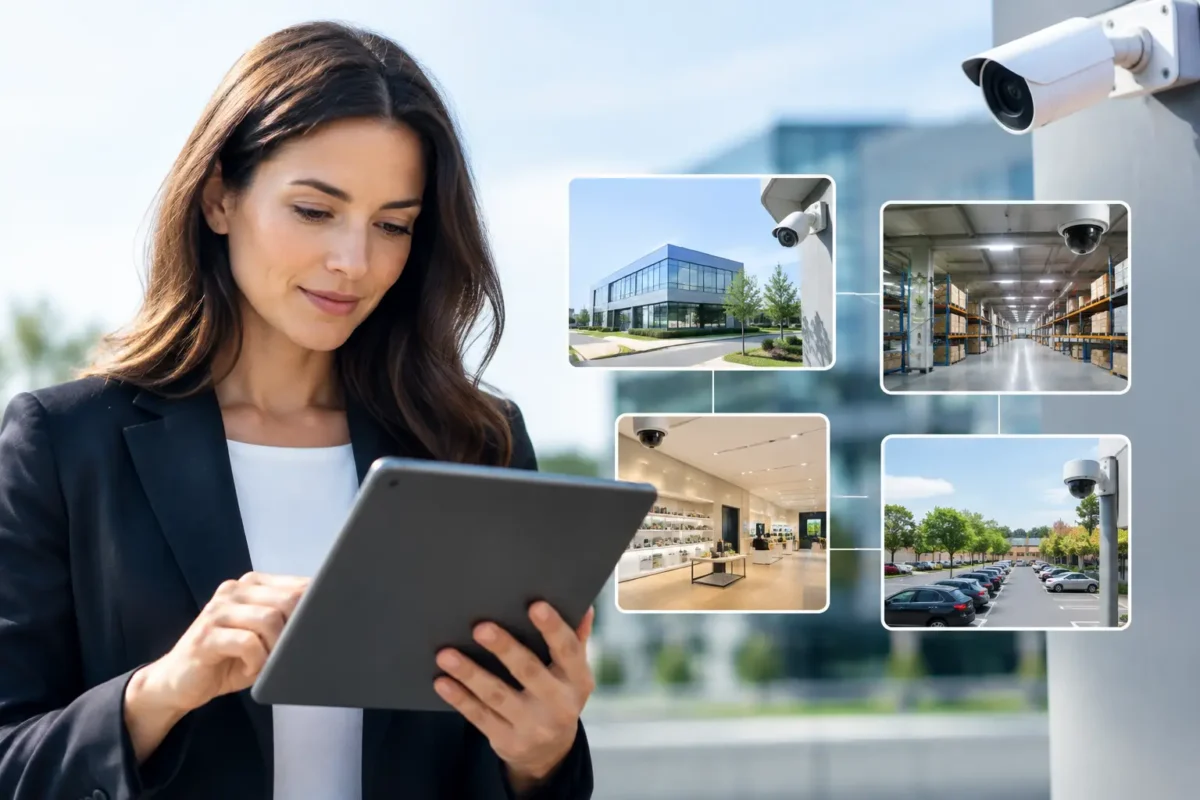
A three-location retailer had a familiar problem: each store had cameras, but none of the systems worked the same way. One location had poor nighttime coverage at the back door. Another had cameras pointed at checkout counters but no usable view of customer exits. The third was storing footage for too few days. This multi site camera rollout example shows how a standardized, business-grade plan turns separate camera systems into a practical security operation.
The goal was not to place the most cameras possible. The goal was to give ownership and managers dependable evidence, live visibility, and a repeatable system they could maintain as the business expanded. That required more than selecting cameras. It required site-specific design, network planning, installation discipline, user training, and support after the job was complete.
The operating problem across three locations
The business operated three small retail locations with different layouts, different hours, and different risk points. Store A was in a high-traffic shopping district with frequent shoplifting concerns. Store B had a rear employee entrance beside a shared alley. Store C had a small parking area where management needed a clearer record of vehicle activity and after-hours access.
Each location had a mix of older cameras, limited coverage, and no common recording standard. Managers could not quickly find footage when an incident occurred. Remote viewing was inconsistent, and footage quality varied sharply between daytime and nighttime conditions.
A camera rollout across multiple sites should begin with this operational question: what decisions must the system support? For this client, the answer was incident review, theft deterrence, employee safety, opening and closing procedures, and documentation for insurance or law enforcement when needed. Those answers shaped every equipment and placement decision.
Multi site camera rollout example: the design plan
The first step was a site survey at every location. A floor plan is useful, but it cannot replace walking the property. Camera placement must account for ceiling heights, lighting changes, customer traffic, existing cable paths, exterior exposure, and the actual angle needed to identify a person or document an event.
The design standardized the core equipment while allowing each site to address its own blind spots. Every store received a network video recorder sized for the required number of cameras and retention period, managed PoE switching, surge protection where appropriate, and a battery backup for orderly shutdown during short power interruptions. Standardizing recorders and cameras simplified training, remote access, future service, and replacement planning.
At all three locations, fixed turret or dome cameras covered interior sales floors, entrances, checkout areas, and stock rooms. Exterior-rated bullet cameras covered rear doors, delivery areas, and perimeter approaches. Store C also received a dedicated license plate recognition camera at the parking entrance because a general-purpose wide-angle camera would not reliably capture plates under changing vehicle speed and lighting conditions.
That distinction matters. A camera that provides broad situational awareness is not automatically the right camera for facial detail, cash handling, or license plate capture. The camera type, lens, mounting height, field of view, and scene lighting must match the evidence required.
Standardize the system, not every camera angle
A common mistake in multi-site projects is treating every location as identical. Standardization should apply to platform, recording settings, user permissions, naming conventions, and service procedures. It should not force the same camera count or viewing angle on every building.
For example, Store A required additional coverage at high-value displays and the front entrance. Store B needed stronger rear-door coverage, including a view that showed both the door and the approach path. Store C required parking-area coverage with enough detail to investigate vehicle incidents. The systems used a common operating framework, but each layout received a custom design.
Build the network before mounting cameras
Camera performance depends on the network behind it. A sharp camera on an overloaded switch or unstable internet connection can create dropped video, delayed remote viewing, and unreliable playback when footage is needed most.
The rollout included a network review at each location. The installer confirmed available internet bandwidth, identified existing network hardware, separated surveillance traffic where practical, and calculated PoE power requirements for every camera. This is particularly important when using PTZ cameras, infrared illumination, heaters, or other devices with higher power draw.
Remote viewing was configured with individual user accounts rather than a shared password. Owners received broad access, while store managers had access appropriate to their location and responsibilities. This improves accountability and makes it easier to remove access when staffing changes.
Retention was also planned rather than guessed. The client wanted approximately 30 days of continuous recording at priority cameras, with motion-based recording considered only for lower-risk views. Retention depends on camera count, resolution, frame rate, compression settings, activity level, and hard-drive capacity. Higher resolution can improve detail, but it also consumes storage. The right setting is the one that preserves usable evidence for the required period without creating unnecessary cost.
Install for evidence, not just coverage
A professional installation is where the written design becomes a working security system. Cameras were mounted at heights that discouraged tampering while preserving identification-quality views. Exterior cable runs were protected, connections were weather-sealed, and every camera was labeled to match the recorder and site documentation.
Installers adjusted each image after mounting. This step is frequently overlooked. A camera can appear to cover a doorway while still missing the face of someone entering because it is mounted too high, aimed too wide, or pointed toward strong backlight. Each view was tested during the conditions it would face in daily use, including exterior night scenes and interior lighting changes.
At Store B, the rear-door camera initially showed glare from a nearby fixture. The solution was not simply increasing brightness. The camera position was adjusted, the angle changed, and the exposure settings were tuned to protect detail at the doorway. Small corrections like these separate a camera system that looks acceptable during installation from one that performs when an incident happens.
Test every site from the manager’s perspective
Before handoff, the team tested live viewing, recorded playback, export procedures, mobile access, and alerts at each location. Cameras were named consistently by site and area, such as “Store B – Rear Door” rather than generic labels like “Camera 07.” During an incident, clear naming saves time.
Management was shown how to locate footage by time and camera, save a video clip, verify the recorder is healthy, and recognize warning signs such as offline cameras or low storage. They were also shown the limits of the system. A camera is not a substitute for access control, good lighting, employee procedures, or prompt alarm response. It is one part of a broader protection plan.
A practical rollout should include documented acceptance testing. Confirm that each camera records, views remotely, has the intended field of view, and retains footage as designed. Confirm that the right people can access the right locations. If a feature was included for a specific risk – such as plate capture at a parking entrance – test it against real vehicle movement before the project is closed.
Support keeps a multi-site system consistent
The client’s next challenge was maintaining consistency after installation. Cameras can be bumped, internet equipment can be replaced, passwords can change, and new managers may not know how to retrieve video. A system that is not checked and supported will gradually lose value.
For this reason, the rollout included an equipment inventory, user access records, camera maps, and a service path for future additions or issues. When the business opens another location, the design team can begin with the same platform, recording policy, and operational standards instead of starting from zero.
Tech Security USA approaches multi-site projects as an ongoing security operation, not a one-time equipment transaction. Business-grade hardware, correctly designed coverage, professional installation coordination, and same day support all matter when the system is expected to protect people, property, and evidence across multiple addresses.
The best next step is a site-by-site assessment before purchasing equipment. A clear plan will show where standardization saves money, where custom coverage is necessary, and what each location needs to deliver usable video when it matters.
Posted on GoogleTrustindex verifies that the original source of the review is Google. I visited the Tech Security USA orange to install security cameras for my home. I found it a very professional company, with high quality products that were made me impressed. I recommend it to anyone who are looking a professional security cameras company in onrange city of Orange County CA.Posted on GoogleTrustindex verifies that the original source of the review is Google. “Edit (this review is not “spam” which the owner claims it is and the story is absolutely real however it was about 2 years ago and if I wasn’t shy back then(9th grade) or I wish I had done/said something about my dad and I being taken advantage of as it was a scam (quoted at around $150 but after having to wait 3weeks instead of 3 days for the guy to charge us $300 for a cheap screen that no longer had a haptic button or working Touch ID along with many white pressure dots along the edges). Do not go here. If you look at most of their 5-star reviews, they are older than 7 years. I went here recently to fix my iPad Air (3rd gen). The problem was the screen's backlight wouldn't work, so it would just show a black image. The technician said he could get it done for around $150 and in 2-3 days he would call us (my dad and I). After a week of waiting, we decided to call but to no avail. We went to the place to check up on the work done, if any. We got there and the iPad was in the exact same spot as the day we left it there. The guy told us it would be ready in about 4 days, no later, and that he would call us. We never got the call, so we went back after about another 3 days of waiting for a call (2 weeks now). After waiting, we went back to the store for the iPad, and it appeared to us as if he had just gotten started by breaking the screen to replace it. After another week, we came back and he pulled it out from a drawer saying something along the lines of, "I was about to call you guys." The screen was working, but it was clearly a cheap screen that was ordered online, and the Touch ID didn’t work anymore. The button was replaced with a non-haptic one. There are many white dots along the edges of the screen that look as if someone pressed their thumb down too hard for too long. The guy said with all the "extra" work done to it, the new total would be $300. When my dad and I looked at each other, we knew that wasn’t right, but I watched my dad grab his wallet and pay. I wish I had said something because we were taken advantage of, and after a week, the iPad's screen isn’t functioning properly as it feels unresponsive.Posted on GoogleTrustindex verifies that the original source of the review is Google. Will somebody please tell the owner to stop responding? She’s only validating the bad reviews.Posted on GoogleTrustindex verifies that the original source of the review is Google. Little messy inside but brought an old Moto Z2 Play in to finalize my failed battery self install. Done when promised, phone looked as good as new and works fine. I'm happy.Posted on GoogleTrustindex verifies that the original source of the review is Google. Garbage screen quality do not come here the screen is more different then a regular apple screen they use low quality screens the whole screen shattered and has black lines throughout it after a tiny drop with a screen protector.Posted on GoogleTrustindex verifies that the original source of the review is Google. I needed a battery replacement for my Huawei p10, the engineer fixed it in a few days (he had to order the battery) and it was reasonable priced, very good, thank youPosted on GoogleTrustindex verifies that the original source of the review is Google. Great location and employees. Really came through when I needed help. Recommend this place to anyone.Posted on GoogleTrustindex verifies that the original source of the review is Google. My go to place for any laptop and iPhone repairs. Also very friendly and experienced guy James.
Resent Posts

How to Design Jobsite Surveillance That Works
21 October 2026

Surveillance System Maintenance Guide for Uptime
19 October 2026
Table of Contents