
Security Cameras That Work When It Matters
[yasr_overall_rating]
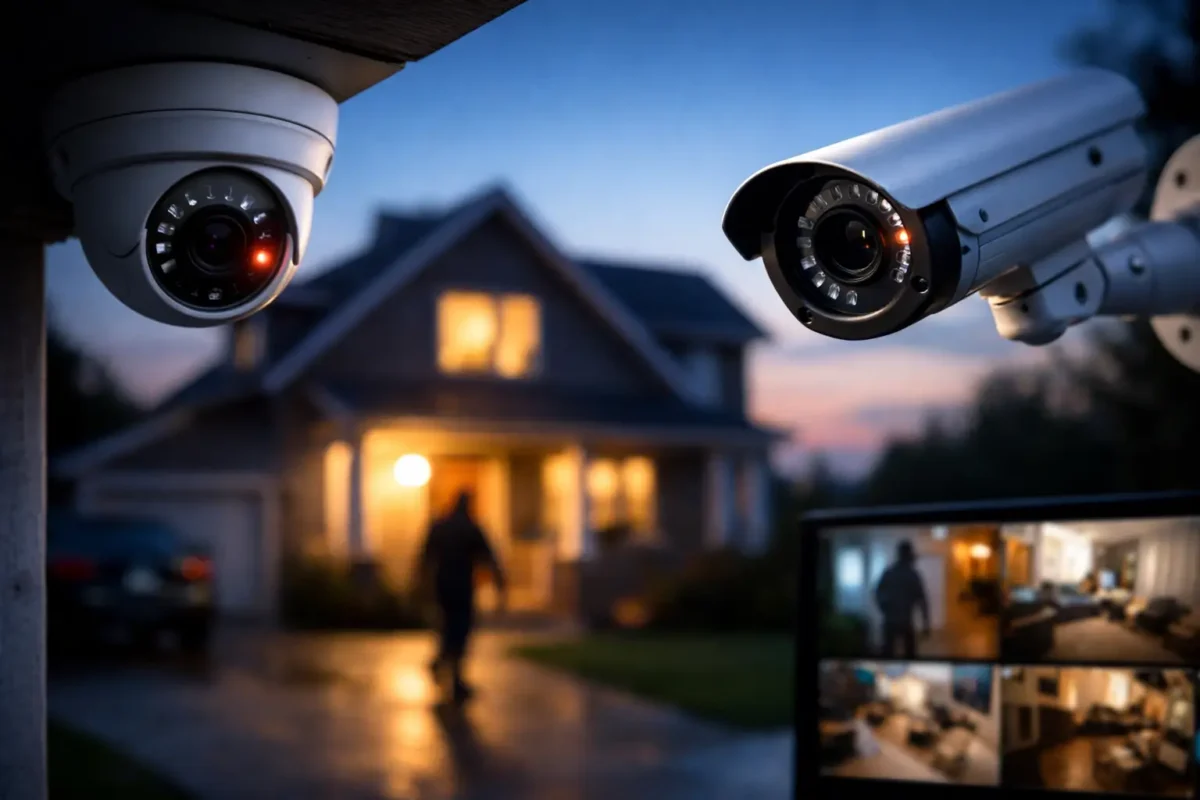
A camera that records a blurry face after a break-in is not a security solution. Neither is a system that drops offline, leaves the loading area uncovered, or requires an owner to troubleshoot networking when they should be running the business. Security cameras need to do more than capture video. They need to provide usable evidence, visible deterrence, and reliable coverage when an incident occurs.
For a home, storefront, job site, daycare, parking facility, or multi-location operation, the right system begins with the property and its risks. The best camera is not always the most expensive model. It is the one designed, positioned, powered, and supported correctly for the job.
Start With What You Need to See
Most camera problems begin before installation. A property owner chooses cameras based on a product photo or a low price, then discovers the system cannot identify a face at the front entrance, read a license plate at the driveway, or cover the dark corner where theft keeps happening.
Start by identifying what each camera must accomplish. General coverage can show movement, traffic flow, and activity across a space. Identification coverage needs tighter framing and enough detail to recognize a person or document an event. License plate coverage is more specialized. It requires the right camera, mounting angle, distance, lighting, and settings to capture plates from moving vehicles.
A retail store may need wide coverage of aisles, registers, entry doors, and stock rooms. A jewelry store generally needs closer, higher-detail views of display cases, cash handling areas, entrances, and exterior approaches. A daycare may prioritize controlled entry points, playground visibility, hallways, and secure video retention. Construction sites often need durable cameras with remote access, perimeter coverage, and dependable connectivity where standard internet service is limited.
The goal is not to put a camera in every possible location. It is to eliminate meaningful blind spots and make sure critical areas produce usable video.
Choose Security Cameras by Coverage Type
Different camera types serve different operating needs. A well-designed system often combines several types rather than relying on one model across the entire property.
Fixed Bullet and Dome Cameras
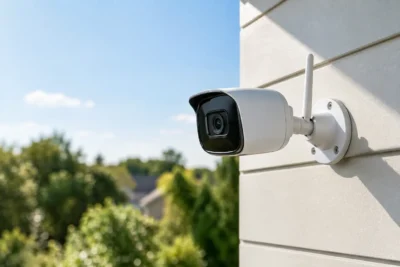
Bullet and dome cameras are the foundation of many business-grade systems. Bullet cameras are highly visible and work well for exterior walls, drive lanes, entrances, and perimeter areas. Their visible presence can be a strong deterrent, especially at a storefront, parking lot, or job site.
Dome cameras are commonly used indoors and under covered exterior areas. Their compact design can make it harder for visitors to tell exactly where the lens is pointing, and vandal-resistant models are useful in public-facing locations. Either style can deliver excellent results when resolution, lens selection, mounting height, and lighting are planned correctly.
PTZ, Panoramic, and Fisheye Cameras
PTZ cameras pan, tilt, and zoom, making them useful for larger properties, active monitoring, or locations where an operator needs to follow an event. They are not a replacement for fixed coverage. When no one is actively controlling the camera, it may be looking in the wrong direction when an incident happens. PTZ units work best as part of a system with fixed cameras covering key areas continuously.
Panoramic and fisheye cameras can cover broad indoor spaces, open sales floors, lobbies, and common areas with fewer devices. They can reduce hardware count in the right setting, but wide coverage does not always equal identification-level detail at the edges of an image. This is a trade-off worth reviewing during system design.
AI Cameras and Analytics
AI-enabled cameras can help reduce wasted time reviewing footage. Depending on the system configuration, analytics can distinguish people, vehicles, and other activity, creating more meaningful alerts than basic motion detection. This is valuable for businesses that receive frequent movement from trees, shadows, weather, or passing traffic.
Analytics are most effective when rules are set thoughtfully. An alert for a person entering a closed loading area after hours may be useful. An alert every time a customer walks into an open retail store is not. The right setup supports operations without overwhelming staff with notifications.
Image Quality Depends on More Than Resolution
Higher resolution matters, but it is not the only factor that determines whether video is useful. A high-resolution camera mounted too high can still fail to capture a recognizable face. A camera aimed toward bright sunlight may wash out a subject. Poor nighttime lighting can turn a good camera into a recording of shadows.
For exterior installations, evaluate nighttime performance, infrared range, nearby streetlights, vehicle headlights, and reflective surfaces. For interior locations, consider backlit glass doors, checkout lighting, and whether cameras need to capture activity in both bright and dim areas.
Camera placement should also account for tampering. Exterior cameras need secure mounting and protected cable paths. Interior cameras should be positioned to avoid easy obstruction while respecting appropriate privacy boundaries. Cameras should not be installed in restrooms, changing rooms, or other areas where privacy expectations prohibit surveillance.
Do Not Overlook Recording and Network Design
A camera system is only as dependable as its recording and network infrastructure. This is where consumer-grade setups frequently fall short. If the recorder lacks enough storage, important footage may be overwritten before anyone knows an incident occurred. If the network is unstable, remote viewing and recording can become unreliable. If the system has no backup power strategy, an outage can create a gap at exactly the wrong time.
Retention needs vary by property. A small office may need a shorter archive than a high-traffic retail store, regulated facility, or multi-site business managing incidents over longer periods. The number of cameras, their resolution, recording schedule, motion settings, and frame rate all affect storage requirements.
A properly planned system includes the right recorder capacity, network switches, cabling, power budget, and remote access configuration. For remote job sites and temporary installations, LTE or 5G connectivity may be the practical answer when wired internet is unavailable or unreliable.
Professional Installation Protects the Investment
The difference between a camera system that looks professional and one that performs professionally is often installation quality. Clean cable runs, weather-protected connections, correctly aimed lenses, secure mounts, labeled equipment, and tested remote access all contribute to long-term reliability.
Professional design is especially valuable when a property has multiple buildings, difficult cable paths, parking lots, gates, warehouses, or changing operational needs. It also matters when owners need help selecting between local recording, remote monitoring, access control integration, alarms, or life safety infrastructure.
Tech Security USA approaches surveillance as an end-to-end system, not a box of equipment. That means matching business-grade hardware to the site, coordinating installation, and making sure customers know how to use the system after it is deployed. Same-day support can make a real difference when a camera is offline, footage must be exported, or an incident demands immediate attention.
Build for Daily Use, Not Just Worst-Case Events
Security cameras are often purchased after a theft, vandalism incident, employee dispute, or neighborhood concern. But their value is not limited to emergencies. A properly designed system can help managers verify deliveries, review opening and closing procedures, monitor a remote location, resolve customer claims, and check on property conditions without driving across town.
For multi-site operators, consistency matters. Using compatible equipment, standard naming conventions, and organized remote access makes it easier to manage several locations without creating separate systems that staff cannot operate confidently.
Before purchasing, ask practical questions: Who needs access to live video? How long should footage be retained? Which areas require identification-quality images? What happens during an internet or power outage? Who will provide support if staff cannot access the recorder or export footage? Clear answers to these questions prevent expensive gaps later.
The right security camera system should fit the way your property actually operates – from the first employee arriving to the last door being locked. A site review and custom design can turn a collection of cameras into dependable protection your team can use every day.
Posted on GoogleTrustindex verifies that the original source of the review is Google. I visited the Tech Security USA orange to install security cameras for my home. I found it a very professional company, with high quality products that were made me impressed. I recommend it to anyone who are looking a professional security cameras company in onrange city of Orange County CA.Posted on GoogleTrustindex verifies that the original source of the review is Google. “Edit (this review is not “spam” which the owner claims it is and the story is absolutely real however it was about 2 years ago and if I wasn’t shy back then(9th grade) or I wish I had done/said something about my dad and I being taken advantage of as it was a scam (quoted at around $150 but after having to wait 3weeks instead of 3 days for the guy to charge us $300 for a cheap screen that no longer had a haptic button or working Touch ID along with many white pressure dots along the edges). Do not go here. If you look at most of their 5-star reviews, they are older than 7 years. I went here recently to fix my iPad Air (3rd gen). The problem was the screen's backlight wouldn't work, so it would just show a black image. The technician said he could get it done for around $150 and in 2-3 days he would call us (my dad and I). After a week of waiting, we decided to call but to no avail. We went to the place to check up on the work done, if any. We got there and the iPad was in the exact same spot as the day we left it there. The guy told us it would be ready in about 4 days, no later, and that he would call us. We never got the call, so we went back after about another 3 days of waiting for a call (2 weeks now). After waiting, we went back to the store for the iPad, and it appeared to us as if he had just gotten started by breaking the screen to replace it. After another week, we came back and he pulled it out from a drawer saying something along the lines of, "I was about to call you guys." The screen was working, but it was clearly a cheap screen that was ordered online, and the Touch ID didn’t work anymore. The button was replaced with a non-haptic one. There are many white dots along the edges of the screen that look as if someone pressed their thumb down too hard for too long. The guy said with all the "extra" work done to it, the new total would be $300. When my dad and I looked at each other, we knew that wasn’t right, but I watched my dad grab his wallet and pay. I wish I had said something because we were taken advantage of, and after a week, the iPad's screen isn’t functioning properly as it feels unresponsive.Posted on GoogleTrustindex verifies that the original source of the review is Google. Will somebody please tell the owner to stop responding? She’s only validating the bad reviews.Posted on GoogleTrustindex verifies that the original source of the review is Google. Little messy inside but brought an old Moto Z2 Play in to finalize my failed battery self install. Done when promised, phone looked as good as new and works fine. I'm happy.Posted on GoogleTrustindex verifies that the original source of the review is Google. Garbage screen quality do not come here the screen is more different then a regular apple screen they use low quality screens the whole screen shattered and has black lines throughout it after a tiny drop with a screen protector.Posted on GoogleTrustindex verifies that the original source of the review is Google. I needed a battery replacement for my Huawei p10, the engineer fixed it in a few days (he had to order the battery) and it was reasonable priced, very good, thank youPosted on GoogleTrustindex verifies that the original source of the review is Google. Great location and employees. Really came through when I needed help. Recommend this place to anyone.Posted on GoogleTrustindex verifies that the original source of the review is Google. My go to place for any laptop and iPhone repairs. Also very friendly and experienced guy James.
Resent Posts
Best Security Solutions for Daycares That Work
17 September 2026
Business Alarm Monitoring Options That Fit
15 September 2026
Table of Contents