
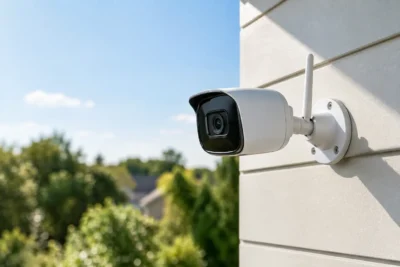
Why Alarms Fail When Your Property Needs Them
[yasr_overall_rating]
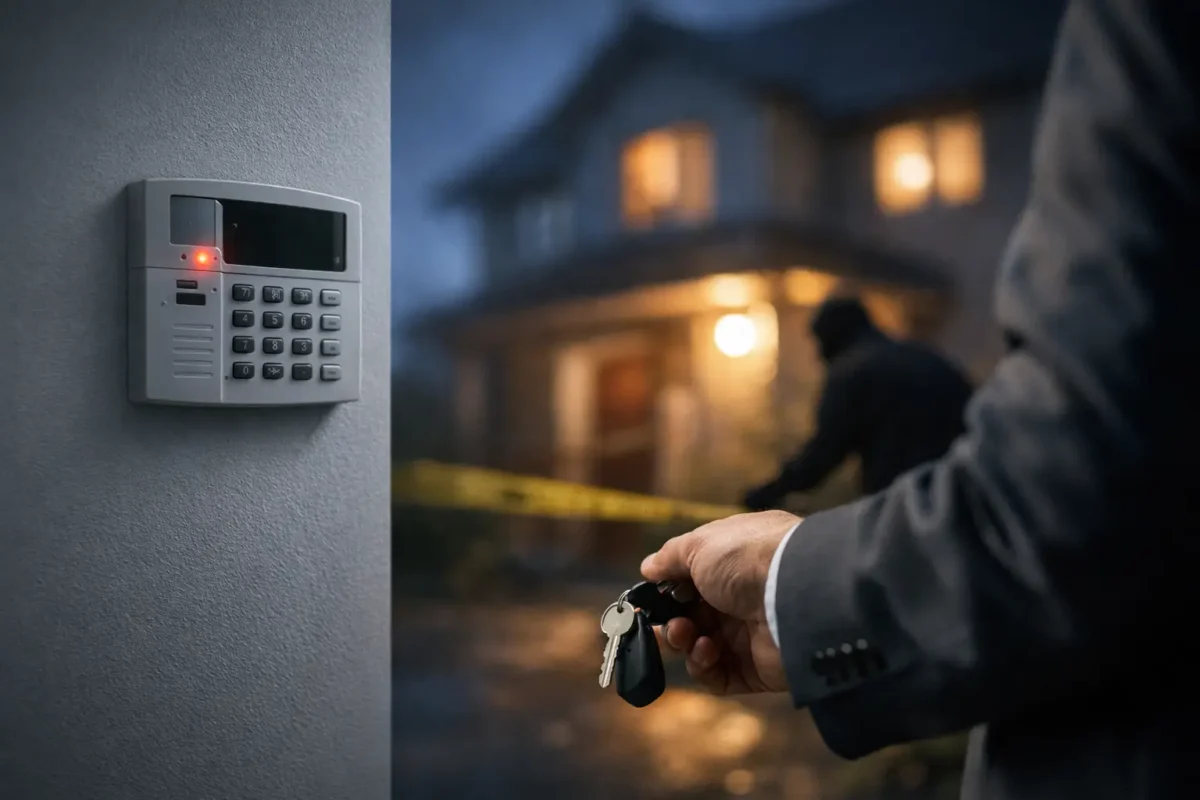
A break-in alarm that does not trigger, a fire panel that reports a trouble condition too late, or a monitored system that cannot reach the central station creates the same problem: the protection you paid for is not available when it matters. Why alarms fail is rarely a single bad device. More often, it is a chain of small decisions involving system design, installation, power, communication, and service.
For a jewelry store, daycare, job site, parking facility, or home, an alarm is not a box on the wall. It is an operating system with sensors, a control panel, power supplies, communication paths, users, and response procedures. Each part has to work together. Business-grade equipment helps, but dependable performance starts with designing and installing the complete system correctly.
Why Alarms Fail: The Most Common Causes
The system was designed around price, not risk
Every property has different exposure points. A smoke shop may need focused protection at display cases, receiving doors, and rear access. A daycare needs reliable life safety coverage, controlled entry, and a system that staff can operate without confusion. A construction site may need temporary perimeter protection where power and internet service are inconsistent.
Problems begin when a system is selected as a basic package rather than designed around how the property is used. Too few contacts, poorly placed motion sensors, no glass-break protection where it is warranted, or an unprotected secondary door can leave an easy path around the alarm. Adding devices later can solve the gap, but it may also require new wiring, programming, permits, or panel capacity.
The right scope depends on the site. Not every window requires a sensor, and not every room requires a motion detector. The goal is to protect meaningful entry paths, high-value areas, life safety risks, and the routes an intruder is most likely to use.
Installation errors create unreliable detection
An alarm component can be high quality and still fail in the field if it is installed incorrectly. Door contacts can become misaligned as a door settles. Motion detectors may be aimed at HVAC airflow, reflective surfaces, heaters, or areas where pets and staff movement cause false alarms. Loose terminals, damaged wire, poor splices, and incorrect resistor placement can create intermittent troubles that are difficult to identify after the walls are closed.
Wireless systems have their own installation requirements. Signal strength, building materials, battery condition, and device distance all affect performance. Concrete, metal doors, elevator shafts, dense shelving, and multiple floors can weaken signals. A quick walk-through is not the same as testing communication from every installed device after the system is programmed.
False alarms deserve attention, too. Repeated false dispatches train users to ignore alerts and can lead to local fines or reduced police response. The answer is not simply turning down sensitivity. A technician should identify whether the cause is device placement, programming, environmental conditions, user procedures, or an actual equipment fault.
Power problems take the alarm offline
Most control panels use AC power with a backup battery. That battery is not optional. It is what keeps the system operating during an outage or after an intruder cuts power. Yet backup batteries are often ignored until the panel begins beeping or reports a low-battery trouble.
Batteries have a service life. Heat, age, repeated discharges, and poor charging conditions reduce capacity. A battery can show enough voltage to appear normal at rest and still fail under load during an outage. Panels, keypads, sirens, communicators, and auxiliary power supplies also need to be evaluated as one power plan, especially on larger commercial systems.
A proper service visit checks more than whether the keypad is lit. It verifies AC supply, battery condition, charger output, backup runtime expectations, and any connected equipment that could draw down the system during an emergency. If cameras, access control hardware, or cellular devices share infrastructure, their power requirements must be planned separately rather than assumed.
The communicator cannot send the alarm signal
A local siren may scare off an intruder, but it does not guarantee that an owner, manager, or monitoring center receives the event. Alarm communication is where many systems are most vulnerable. Traditional phone lines are increasingly uncommon, and internet-only communicators can fail when a router loses power, an ISP outage occurs, a cable is cut, or network settings change.
Cellular communication provides an additional path, but it also needs active service, adequate signal, correct antenna placement, and ongoing supervision. A low-cost setup that relies on one untested communication method may look operational until the exact moment that path is unavailable.
For higher-risk locations, dual-path communication can be the practical choice. The panel can use IP service as a primary path and cellular as backup, or the reverse based on site conditions. There is a cost trade-off, but a second path can prevent one utility or network failure from silencing the system.
Communication testing should include actual signals, not just a screen that says the communicator is connected. Test alarm, restore, trouble, and supervisory events. Confirm the recipient, the account information, the time stamps, and the notification contacts. When business ownership, management, phone numbers, or internet equipment changes, update the system immediately.
Users do not know the operating procedure
Many alarm failures are really process failures. A staff member arms only part of the building. A manager receives an alert but assumes someone else is handling it. An employee leaves a loading door propped open, then bypasses the zone instead of correcting the issue. A homeowner changes internet service and does not realize the panel needs to be reconnected.
Clear operating procedures reduce this risk. Designate who can arm and disarm the system, who receives alerts, who responds after hours, and who is authorized to make changes. Remove former employees from user codes promptly. Give staff individual codes when possible instead of a shared code that cannot be audited.
For commercial properties, keep a simple alarm response plan available to managers. It should state who calls the monitoring center, who can reset a panel, when law enforcement should be requested, and when a technician should be dispatched. The plan should also account for opening and closing routines, contractors, cleaners, and temporary employees.
Maintenance Is What Keeps an Alarm Ready
An alarm system should be tested on a schedule that matches the property and the system type. A home may need a straightforward periodic test and battery review. A commercial site with fire, intrusion, access control, multiple partitions, or monitored communications needs a more structured inspection program.
At minimum, test doors, motion detectors, panic devices, sirens, backup batteries, and communication reporting. Review trouble history rather than clearing it without investigation. Look for recurring low batteries, supervision faults, open zones, communication failures, and devices that are frequently bypassed. Those messages are early warnings, not background noise.
Environmental changes matter. A remodel can block a motion sensor. New inventory racks can change wireless performance. A replacement door may no longer align with its contact. Landscaping can obstruct exterior detection. A new router, managed switch, or network password can interrupt IP communication. Security should be reviewed whenever the building or its operations change.
Fire and Intrusion Alarms Fail Differently
Intrusion alarms are often judged by whether they detect unauthorized entry and communicate the event quickly. Fire and life safety systems carry additional code, inspection, notification, and reliability requirements. They should never be treated as a consumer device that can be installed casually.
Common fire system issues include overdue inspections, dirty or improperly located detectors, disabled points, exhausted backup power, damaged notification appliances, and changes to tenant layouts that no longer match the approved protection plan. A panel in normal status does not prove every initiating device and notification circuit will perform under real conditions.
If your facility has a fire alarm or life safety system, use qualified service professionals and follow the inspection and testing requirements that apply to the occupancy and local authority. Do not silence, bypass, or alter a device to stop a nuisance condition without documenting and correcting the cause.
How to Reduce the Risk Before an Incident
Start with a site-specific assessment. Walk the perimeter, identify every practical entry route, review valuables and sensitive areas, and consider what happens after hours. Then examine the less visible parts of the system: panel capacity, backup power, communication paths, network conditions, monitoring procedures, and service access.
Ask for proof through testing. A technician should be able to show that devices activate, the siren works, backup power is healthy, and signals reach the intended destination. If a system has not been tested since it was installed, or if it has accumulated unresolved trouble messages, schedule service before relying on it.
Tech Security USA helps property owners and operators select business-grade intrusion, fire, surveillance, and communication infrastructure designed for the realities of their site. Correct hardware selection, professional installation coordination, and same day support when available provide a better path than treating security as a one-time purchase.
The best time to find an alarm weakness is during a planned test, with the right people on site and a technician available to correct it. A system that is inspected, understood, and maintained becomes far more than an alarm – it becomes a dependable part of how your property stays protected.
Posted on GoogleTrustindex verifies that the original source of the review is Google. I visited the Tech Security USA orange to install security cameras for my home. I found it a very professional company, with high quality products that were made me impressed. I recommend it to anyone who are looking a professional security cameras company in onrange city of Orange County CA.Posted on GoogleTrustindex verifies that the original source of the review is Google. “Edit (this review is not “spam” which the owner claims it is and the story is absolutely real however it was about 2 years ago and if I wasn’t shy back then(9th grade) or I wish I had done/said something about my dad and I being taken advantage of as it was a scam (quoted at around $150 but after having to wait 3weeks instead of 3 days for the guy to charge us $300 for a cheap screen that no longer had a haptic button or working Touch ID along with many white pressure dots along the edges). Do not go here. If you look at most of their 5-star reviews, they are older than 7 years. I went here recently to fix my iPad Air (3rd gen). The problem was the screen's backlight wouldn't work, so it would just show a black image. The technician said he could get it done for around $150 and in 2-3 days he would call us (my dad and I). After a week of waiting, we decided to call but to no avail. We went to the place to check up on the work done, if any. We got there and the iPad was in the exact same spot as the day we left it there. The guy told us it would be ready in about 4 days, no later, and that he would call us. We never got the call, so we went back after about another 3 days of waiting for a call (2 weeks now). After waiting, we went back to the store for the iPad, and it appeared to us as if he had just gotten started by breaking the screen to replace it. After another week, we came back and he pulled it out from a drawer saying something along the lines of, "I was about to call you guys." The screen was working, but it was clearly a cheap screen that was ordered online, and the Touch ID didn’t work anymore. The button was replaced with a non-haptic one. There are many white dots along the edges of the screen that look as if someone pressed their thumb down too hard for too long. The guy said with all the "extra" work done to it, the new total would be $300. When my dad and I looked at each other, we knew that wasn’t right, but I watched my dad grab his wallet and pay. I wish I had said something because we were taken advantage of, and after a week, the iPad's screen isn’t functioning properly as it feels unresponsive.Posted on GoogleTrustindex verifies that the original source of the review is Google. Will somebody please tell the owner to stop responding? She’s only validating the bad reviews.Posted on GoogleTrustindex verifies that the original source of the review is Google. Little messy inside but brought an old Moto Z2 Play in to finalize my failed battery self install. Done when promised, phone looked as good as new and works fine. I'm happy.Posted on GoogleTrustindex verifies that the original source of the review is Google. Garbage screen quality do not come here the screen is more different then a regular apple screen they use low quality screens the whole screen shattered and has black lines throughout it after a tiny drop with a screen protector.Posted on GoogleTrustindex verifies that the original source of the review is Google. I needed a battery replacement for my Huawei p10, the engineer fixed it in a few days (he had to order the battery) and it was reasonable priced, very good, thank youPosted on GoogleTrustindex verifies that the original source of the review is Google. Great location and employees. Really came through when I needed help. Recommend this place to anyone.Posted on GoogleTrustindex verifies that the original source of the review is Google. My go to place for any laptop and iPhone repairs. Also very friendly and experienced guy James.
Resent Posts
Best Security Solutions for Daycares That Work
17 September 2026
Business Alarm Monitoring Options That Fit
15 September 2026
Table of Contents