

Security Camera Support That Keeps Systems Working
[yasr_overall_rating]
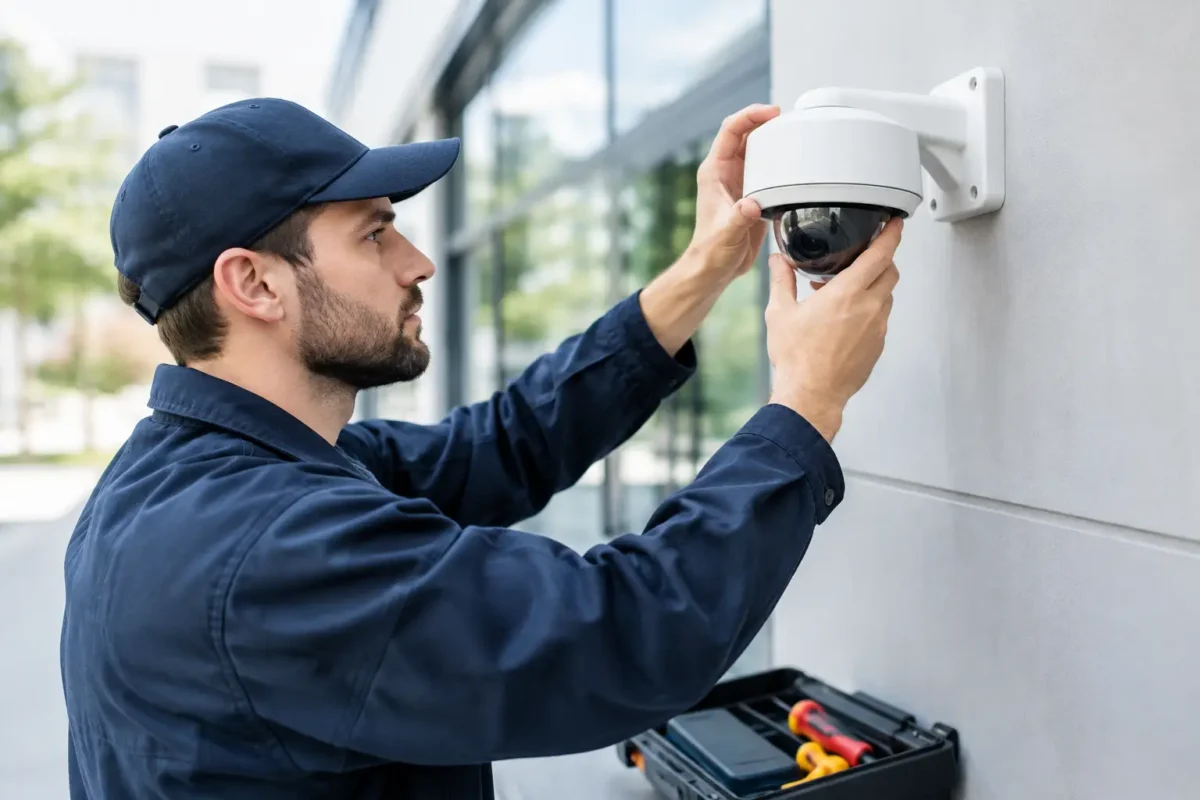
A camera system is only useful when it records the right area, produces usable footage, and can be accessed when an incident happens. That is why security camera support should be part of the buying decision from the beginning, not an afterthought once equipment is mounted. For a business owner, property manager, or homeowner, the real value is a system designed correctly, installed correctly, and backed by people who can help keep it operating.
A low-priced camera kit may appear to solve a security problem quickly. But if the cameras have blind spots, the recorder fills up too soon, remote viewing fails, or nobody knows how to export video, the system can fall short when it matters most. Business-grade support turns cameras from passive hardware into a dependable operational tool.
What Security Camera Support Should Cover
Quality support begins before a purchase. Every property has different risks, lighting conditions, network limitations, and coverage requirements. A jewelry store may need clear facial detail at entrances and high-value display areas. A parking facility may need wide coverage, license plate capture, and reliable nighttime performance. A construction site may need durable cameras, remote access, and connectivity that works without a fixed internet line.
The right provider helps match those requirements to the system. That includes selecting camera types, determining recorder capacity, planning cable routes, reviewing power needs, and identifying whether LTE or 5G connectivity is appropriate. It also means being honest about trade-offs. A panoramic camera can cover a large open area, but it may not provide the close detail needed at a cashier station. PTZ cameras offer flexible viewing, but fixed cameras are often better for continuously covering a specific entry point.
Support should continue through installation and long after the system goes live. At a minimum, customers should have access to help with configuration, user training, troubleshooting, warranty coordination, and service when a component fails or site conditions change.
Design Support Prevents Expensive Gaps
Camera placement is where many systems succeed or fail. Mounting a camera too high can make faces difficult to identify. Pointing a camera toward a bright window, parking lot light, or open loading door can create glare and poor exposure. Placing cameras without considering the path people actually take can leave the most important area outside the frame.
A proper site review focuses on what needs to be documented. That may include who enters, where merchandise changes hands, which gate a vehicle uses, or whether employees and visitors can safely move through the property. The goal is not simply to install more cameras. It is to create meaningful coverage with the right field of view, image quality, and recording plan.
For multi-site operators, design support also helps create consistency. Using similar camera standards, recorder settings, user permissions, and viewing layouts across locations makes systems easier to manage. It reduces the time required to train staff and makes it easier to review an event from another location.
Recording and Network Planning Matter
The recorder and network are as important as the cameras themselves. High-resolution cameras can use significant bandwidth and storage, especially when a site records continuously. A system designed without storage calculations may overwrite footage sooner than expected. A system placed on an overloaded network can become slow, unreliable, or difficult to access remotely.
Professional support should address recording duration, resolution, frame rate, motion settings, remote viewing, and user access. A daycare, for example, may need clear footage across classrooms, entrances, and outdoor play areas, along with carefully managed user permissions. A smoke shop may prioritize strong facial detail at entrances, checkout counters, and high-theft inventory areas. The right settings depend on the operational need, not a one-size-fits-all default.
Installation Support Is More Than Mounting Cameras
Professional installation is not just about getting cameras on the wall. It involves secure mounting, weather-rated protection where needed, properly terminated low-voltage cabling, organized equipment placement, correct network setup, and testing every view under real conditions.
This is particularly important for outdoor cameras, parking lots, warehouses, and job sites. A camera exposed to rain, dust, vibration, extreme temperatures, or poor lighting needs hardware and mounting methods suited to that environment. A loose connection or poorly protected cable can create intermittent failures that are difficult to diagnose later.
After installation, each camera should be tested during the conditions that matter. Daytime images may look acceptable while nighttime footage is too dark, washed out by headlights, or obscured by reflections. A well-installed system is adjusted for actual site conditions, not simply powered on and left alone.
Training Makes Footage Useful When Time Is Limited
When an incident occurs, staff should not have to guess how to find video. They need to know how to log in, review a timeline, search by event, save the correct clip, and share it with the appropriate party. Those basic tasks can make the difference between preserving evidence and losing it.
Effective training should be practical and role-based. An owner may need full remote access and reporting controls. A store manager may need to review live video and export incidents. A facilities team may need to know how to identify a disconnected camera or recorder alert. Giving every user the same unrestricted access is rarely the best approach.
Training also helps prevent avoidable service requests. When users understand how to check camera status, verify recording, manage passwords, and use the mobile app, they can handle routine needs without disrupting daily operations. At the same time, they know when to call for technical help rather than risk changing settings that affect the entire system.
Fast Troubleshooting Protects Your Coverage
No security system is completely immune to problems. Internet service can fail. A power event can affect a recorder. Cameras can be damaged, moved, blocked, or disconnected. Software settings may change after an update. What matters is how quickly the issue is identified and addressed.
Reliable security camera support starts with a clear troubleshooting process. Is the camera offline, or is only remote viewing unavailable? Is the recorder still capturing footage? Did the problem begin after a network change, power outage, construction project, or equipment move? These questions help separate a simple connectivity issue from a hardware or configuration problem.
For businesses that depend on video every day, responsive service is especially valuable. Parking lot operators, retail stores, daycares, and construction managers cannot wait weeks to restore a key camera. Same-day support availability, local technical knowledge, and access to compatible replacement equipment can reduce downtime when a problem affects an important area.
When to Call for Service Instead of Trying a Quick Fix
Some issues are appropriate for a user to check, such as confirming power to a device, verifying an internet connection, or checking whether a camera lens is dirty or obstructed. Other problems should be handled by trained technicians.
Call for service when a camera repeatedly goes offline, footage is missing, a recorder reports storage errors, nighttime images become unusable, cabling is damaged, or equipment has been exposed to water or vandalism. It is also wise to schedule support after a remodel, tenant change, parking lot reconfiguration, or expansion. Any change to the physical layout can create new blind spots or make previous camera placement less effective.
Trying to solve these issues by resetting equipment at random can create more work. A reset may erase network settings, user access, recording rules, or remote viewing configuration. A support provider can diagnose the cause and preserve the settings that already work.
Support Should Include Growth and Lifecycle Planning
Security needs change as a business grows. A new register, loading area, gate, storage room, or secondary location may require additional coverage. Older cameras may still function but no longer provide the image detail required for current risks. In other cases, a system needs stronger analytics, license plate recognition, intrusion detection, or better remote connectivity rather than a full replacement.
A long-term partner can assess what should be upgraded now and what can remain in service. That protects the budget while keeping the property covered. Tech Security USA supports this approach with system design guidance, professional installation coordination, user training, warranty assistance, and service for customers who need more than a box of cameras.
The best time to evaluate support is before the first camera is purchased. Choose a team that can answer the hard questions, stand behind the installation, and respond when your property needs its security system to work.
Posted on GoogleTrustindex verifies that the original source of the review is Google. I visited the Tech Security USA orange to install security cameras for my home. I found it a very professional company, with high quality products that were made me impressed. I recommend it to anyone who are looking a professional security cameras company in onrange city of Orange County CA.Posted on GoogleTrustindex verifies that the original source of the review is Google. “Edit (this review is not “spam” which the owner claims it is and the story is absolutely real however it was about 2 years ago and if I wasn’t shy back then(9th grade) or I wish I had done/said something about my dad and I being taken advantage of as it was a scam (quoted at around $150 but after having to wait 3weeks instead of 3 days for the guy to charge us $300 for a cheap screen that no longer had a haptic button or working Touch ID along with many white pressure dots along the edges). Do not go here. If you look at most of their 5-star reviews, they are older than 7 years. I went here recently to fix my iPad Air (3rd gen). The problem was the screen's backlight wouldn't work, so it would just show a black image. The technician said he could get it done for around $150 and in 2-3 days he would call us (my dad and I). After a week of waiting, we decided to call but to no avail. We went to the place to check up on the work done, if any. We got there and the iPad was in the exact same spot as the day we left it there. The guy told us it would be ready in about 4 days, no later, and that he would call us. We never got the call, so we went back after about another 3 days of waiting for a call (2 weeks now). After waiting, we went back to the store for the iPad, and it appeared to us as if he had just gotten started by breaking the screen to replace it. After another week, we came back and he pulled it out from a drawer saying something along the lines of, "I was about to call you guys." The screen was working, but it was clearly a cheap screen that was ordered online, and the Touch ID didn’t work anymore. The button was replaced with a non-haptic one. There are many white dots along the edges of the screen that look as if someone pressed their thumb down too hard for too long. The guy said with all the "extra" work done to it, the new total would be $300. When my dad and I looked at each other, we knew that wasn’t right, but I watched my dad grab his wallet and pay. I wish I had said something because we were taken advantage of, and after a week, the iPad's screen isn’t functioning properly as it feels unresponsive.Posted on GoogleTrustindex verifies that the original source of the review is Google. Will somebody please tell the owner to stop responding? She’s only validating the bad reviews.Posted on GoogleTrustindex verifies that the original source of the review is Google. Little messy inside but brought an old Moto Z2 Play in to finalize my failed battery self install. Done when promised, phone looked as good as new and works fine. I'm happy.Posted on GoogleTrustindex verifies that the original source of the review is Google. Garbage screen quality do not come here the screen is more different then a regular apple screen they use low quality screens the whole screen shattered and has black lines throughout it after a tiny drop with a screen protector.Posted on GoogleTrustindex verifies that the original source of the review is Google. I needed a battery replacement for my Huawei p10, the engineer fixed it in a few days (he had to order the battery) and it was reasonable priced, very good, thank youPosted on GoogleTrustindex verifies that the original source of the review is Google. Great location and employees. Really came through when I needed help. Recommend this place to anyone.Posted on GoogleTrustindex verifies that the original source of the review is Google. My go to place for any laptop and iPhone repairs. Also very friendly and experienced guy James.
Resent Posts

Surveillance System Maintenance Guide for Uptime
19 October 2026
How to Improve Alarm Response at Your Property
17 October 2026
Table of Contents