

Wholesale Surveillance Purchasing Guide for Buyers
[yasr_overall_rating]
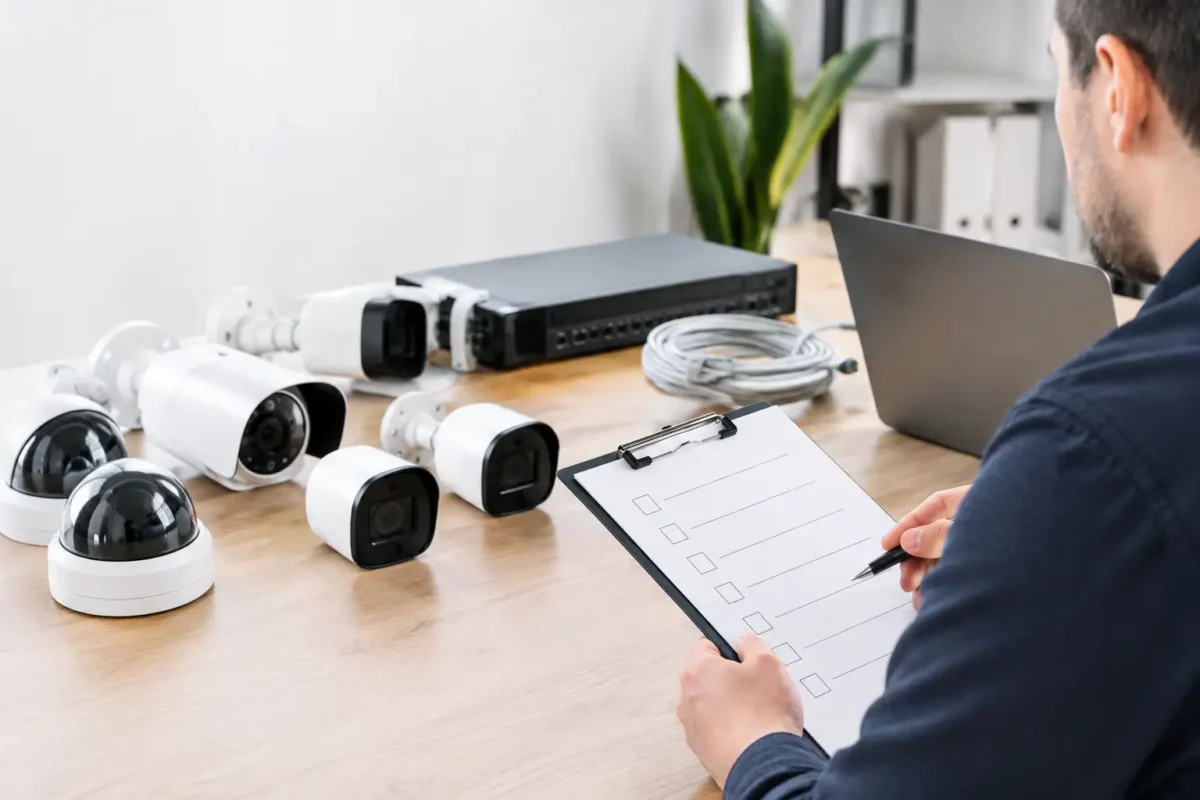
A low wholesale price does not make a surveillance system a good purchase. The camera that looks acceptable on a product sheet can fail at night, miss a license plate, overwhelm a weak network, or leave your team without footage when an incident occurs. This wholesale surveillance purchasing guide is built for buyers who need systems that are designed and installed correctly, whether they are securing one storefront, a construction site, or multiple locations.
Wholesale buying should reduce your per-site cost without reducing the quality of the evidence your system captures. Start with the security problem, verify the infrastructure, and purchase equipment as a complete operating system rather than a box of cameras.
Start With the Coverage Problem, Not the Camera Price
Every property has different risk points. A jewelry store may need close identification at display cases, a clear view of entrances, and reliable after-hours coverage. A daycare may need wide-area views of doors, hallways, pickup zones, and perimeter gates while protecting privacy in sensitive areas. Parking facilities often require long-distance coverage, strong nighttime performance, and license plate capture at entry and exit lanes.
Walk the site before selecting models. Identify the approaches people use to enter, where transactions occur, what areas hold valuable inventory, and where an incident would be difficult to investigate after the fact. This assessment determines camera placement, lens selection, mounting height, lighting needs, and the amount of recording capacity required.
A fixed bullet or dome camera is often the right answer for a defined entrance, aisle, register, or hallway. PTZ cameras are useful when an operator can actively follow activity or when a large open area needs flexible coverage, but they should not replace fixed cameras at critical identification points. A PTZ can only look in one direction at a time. Fisheye and panoramic cameras can reduce the number of devices needed in open rooms, but their wide coverage comes with detail trade-offs at the edges of the image.
The practical question is not, “How many cameras can we buy?” It is, “Can this system identify what happened at the places where losses, disputes, and safety events are most likely?”
Build a Business-Grade System Around Image Quality
Resolution matters, but it is only one part of useful video. A high-resolution camera with poor low-light performance, the wrong lens, excessive glare, or improper mounting can produce less usable footage than a properly selected lower-resolution model.
For most commercial interiors, cameras should provide enough detail to recognize faces at entrances, cash wraps, service counters, and inventory areas. Outdoor cameras should be selected for weather exposure, lighting changes, and the distance between the camera and the activity being recorded. Look closely at low-light imaging, infrared range, wide dynamic range for backlit doors, and the camera’s ability to manage headlights or streetlights at night.
AI analytics can improve daily operations when used for a specific purpose. People and vehicle classification can reduce nuisance alerts from rain, shadows, or moving trees. Line-crossing rules can alert a manager after a gate is breached. Occupancy and people-counting tools may help some retail or facility environments. These features still need proper setup and testing. Analytics are not a substitute for camera placement, lighting, or a response plan.
For properties that need vehicle evidence, license plate recognition cameras deserve separate planning. They are not general-purpose overview cameras. Plate capture depends on vehicle speed, angle, distance, lighting, and installation height. A parking lot may need a broad overview camera plus a dedicated plate camera aimed at each lane.
Wholesale Surveillance Purchasing Guide: Price the Full System
A wholesale quote should account for every component needed to put the system into service. Comparing only camera prices creates budget surprises later, especially on larger sites or multi-location projects.
Include the recorder or server, hard drives, network switches, PoE capacity, cable, junction boxes, mounts, surge protection, monitor requirements, remote viewing setup, and labor. If cameras will be mounted outdoors or in high-risk areas, include weather-rated enclosures, conduit, tamper-resistant hardware, and appropriate power protection from the start.
Storage is one of the most common planning mistakes. Recording duration depends on the number of cameras, resolution, frame rate, compression settings, scene activity, and whether cameras record continuously or only on events. A busy loading dock consumes storage differently than a quiet hallway. Many businesses need at least several weeks of retention, but the correct number depends on internal policy, insurance requirements, incident discovery timelines, and the type of operation.
Do not assume maximum frame rate is necessary at every camera. A register, entrance, or vehicle lane may justify higher settings, while a general overview area may not. Balancing settings by camera role can control storage costs without compromising the footage that matters most.
Verify the Network Before You Place a Bulk Order
IP surveillance is a network deployment. The cameras, switches, recorder, router, remote access settings, and available bandwidth must work together. This is especially relevant for older buildings, construction sites, detached structures, and properties using unreliable consumer-grade internet equipment.
Confirm whether the existing network has sufficient PoE switch capacity and whether cable runs stay within practical distance limits. Determine if cameras will share a business network or operate on a dedicated surveillance network. A dedicated approach often improves reliability and makes troubleshooting easier, particularly for systems with many cameras or multiple users viewing footage remotely.
Remote sites may need LTE or 5G connectivity, point-to-point wireless bridges, or local recording that continues during an internet outage. These decisions affect both equipment costs and operating costs. For construction and job-site monitoring, power availability, temporary mounting, theft exposure, and changing site layouts should be part of the design conversation early.
Cybersecurity also belongs in the purchase decision. Use unique credentials, keep firmware current, restrict unnecessary remote access, and choose equipment that can be managed responsibly over its service life. The least expensive camera is not a value if it creates a security or support problem later.
Standardize Across Sites Without Ignoring Local Conditions
Multi-site owners, contractors, and facility managers benefit from a standard platform. Using consistent camera families, recorders, mobile access, naming conventions, and user permissions makes training simpler and reduces service time. It also makes it easier to move equipment, add locations, and maintain a reliable inventory of replacement parts.
Standardization should not mean copying the same layout everywhere. A smoke shop, daycare, warehouse, and small office have different risks, traffic patterns, lighting conditions, and compliance concerns. Build a repeatable package around a core platform, then adjust coverage and hardware for each location.
Before approving a bulk purchase, document camera names, mounting locations, intended fields of view, recording settings, retention targets, network requirements, and who receives alerts. This record helps the installer, the business owner, and future service technicians work from the same plan.
Choose Installation and Support as Carefully as Hardware
A surveillance system becomes dependable through installation quality. Proper lens aiming, clean cable routing, secure mounting, correct weather sealing, focused night testing, and clear recorder configuration all affect the evidence you can retrieve later. A camera installed two feet too high or aimed toward direct glare may technically be online while still failing its purpose.
Ask who will commission the system, test playback, train users, and support the site after installation. Confirm warranty handling, replacement procedures, service availability, and whether the provider can help when a router changes, a drive reaches capacity, or a manager needs footage quickly after an incident.
Tech Security USA helps buyers combine business-grade equipment, custom system design, installation coordination, and same day support so the purchasing process does not end when the hardware arrives. That matters for owners who need accountability from initial walkthrough through long-term operation.
Make the Final Buying Decision With a Test Plan
Before a final rollout, define how the system will be accepted. Test daytime and nighttime images at critical doors, counters, gates, and vehicle lanes. Confirm that remote users can log in with the right permissions, alerts reach the correct people, footage exports properly, and the recorder meets the required retention period.
For larger purchases, a pilot installation can be worthwhile. Install representative cameras in the most challenging locations, such as a backlit entrance, dark parking area, long driveway, or high-traffic register. The results can prevent an expensive mismatch across dozens of cameras.
A wholesale surveillance purchase should leave your property easier to manage, not more complicated to support. Buy for the conditions you actually face, insist on a complete design, and make sure there is a qualified team ready to stand behind the system when the footage matters.
Posted on GoogleTrustindex verifies that the original source of the review is Google. I visited the Tech Security USA orange to install security cameras for my home. I found it a very professional company, with high quality products that were made me impressed. I recommend it to anyone who are looking a professional security cameras company in onrange city of Orange County CA.Posted on GoogleTrustindex verifies that the original source of the review is Google. “Edit (this review is not “spam” which the owner claims it is and the story is absolutely real however it was about 2 years ago and if I wasn’t shy back then(9th grade) or I wish I had done/said something about my dad and I being taken advantage of as it was a scam (quoted at around $150 but after having to wait 3weeks instead of 3 days for the guy to charge us $300 for a cheap screen that no longer had a haptic button or working Touch ID along with many white pressure dots along the edges). Do not go here. If you look at most of their 5-star reviews, they are older than 7 years. I went here recently to fix my iPad Air (3rd gen). The problem was the screen's backlight wouldn't work, so it would just show a black image. The technician said he could get it done for around $150 and in 2-3 days he would call us (my dad and I). After a week of waiting, we decided to call but to no avail. We went to the place to check up on the work done, if any. We got there and the iPad was in the exact same spot as the day we left it there. The guy told us it would be ready in about 4 days, no later, and that he would call us. We never got the call, so we went back after about another 3 days of waiting for a call (2 weeks now). After waiting, we went back to the store for the iPad, and it appeared to us as if he had just gotten started by breaking the screen to replace it. After another week, we came back and he pulled it out from a drawer saying something along the lines of, "I was about to call you guys." The screen was working, but it was clearly a cheap screen that was ordered online, and the Touch ID didn’t work anymore. The button was replaced with a non-haptic one. There are many white dots along the edges of the screen that look as if someone pressed their thumb down too hard for too long. The guy said with all the "extra" work done to it, the new total would be $300. When my dad and I looked at each other, we knew that wasn’t right, but I watched my dad grab his wallet and pay. I wish I had said something because we were taken advantage of, and after a week, the iPad's screen isn’t functioning properly as it feels unresponsive.Posted on GoogleTrustindex verifies that the original source of the review is Google. Will somebody please tell the owner to stop responding? She’s only validating the bad reviews.Posted on GoogleTrustindex verifies that the original source of the review is Google. Little messy inside but brought an old Moto Z2 Play in to finalize my failed battery self install. Done when promised, phone looked as good as new and works fine. I'm happy.Posted on GoogleTrustindex verifies that the original source of the review is Google. Garbage screen quality do not come here the screen is more different then a regular apple screen they use low quality screens the whole screen shattered and has black lines throughout it after a tiny drop with a screen protector.Posted on GoogleTrustindex verifies that the original source of the review is Google. I needed a battery replacement for my Huawei p10, the engineer fixed it in a few days (he had to order the battery) and it was reasonable priced, very good, thank youPosted on GoogleTrustindex verifies that the original source of the review is Google. Great location and employees. Really came through when I needed help. Recommend this place to anyone.Posted on GoogleTrustindex verifies that the original source of the review is Google. My go to place for any laptop and iPhone repairs. Also very friendly and experienced guy James.
Resent Posts

Surveillance System Maintenance Guide for Uptime
19 October 2026
How to Improve Alarm Response at Your Property
17 October 2026
Table of Contents